209
Logs and Reports
This chapter provides information about the available logs and reports that are generated from
information automatically collected by the IQ
3
+ Metal Detector.
Tapping on the folder area
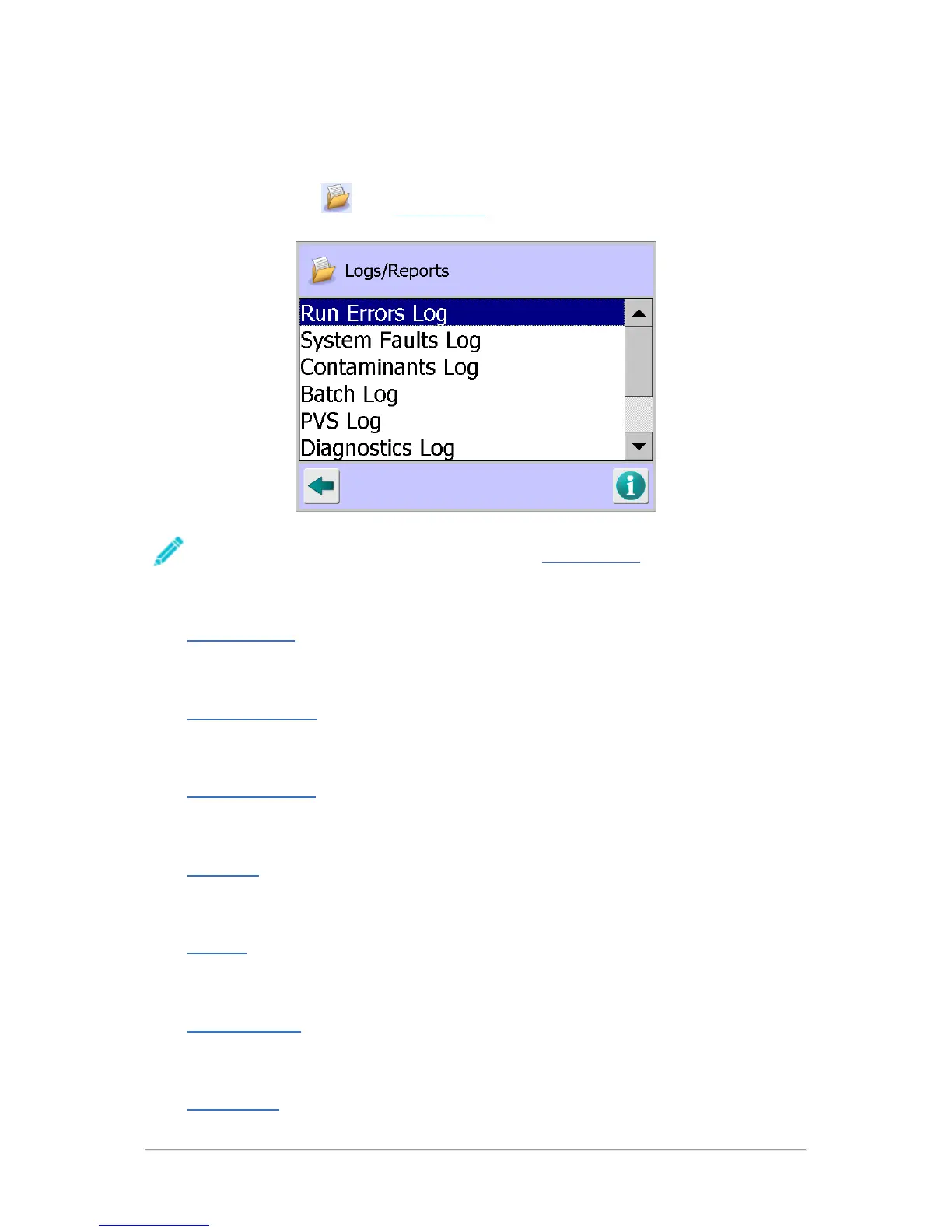
in the System Setup screen displays the Logs/Reports screen which
provides a list of available logs and reports for selection.
The logs and reports included for selection and how they can be saved and displayed
depends on whether they have been enabled in the Report Options
screen, the serial
communications configuration and if the LomaEnet Capture application has been set up.
The following sections provide more information:
■
Run Errors Log
This section describes how to produce the log and an explanation of some example problems
that may be included in the log.
■
System Faults Log
This section describes how to produce the log and an explanation of some example problems
that may be included in the log.
■
Contaminants Log
This section describes how to produce the log which is useful for analysing reject activity and
timings.
■
Batch Log
This section describes how to produce the log which is useful for analysing batch data and also
how to configure the system to select the details to be included in the log.
■
PVS Log
This section describes how to produce the log which provides details of the detector in-line
sensitivity testing carried out.
■
Diagnostics Log
This section describes how to produce the log and an explanation of some example problems
that may be included in the log.
■
Setup Report



 To Next Page