The User Interface
145
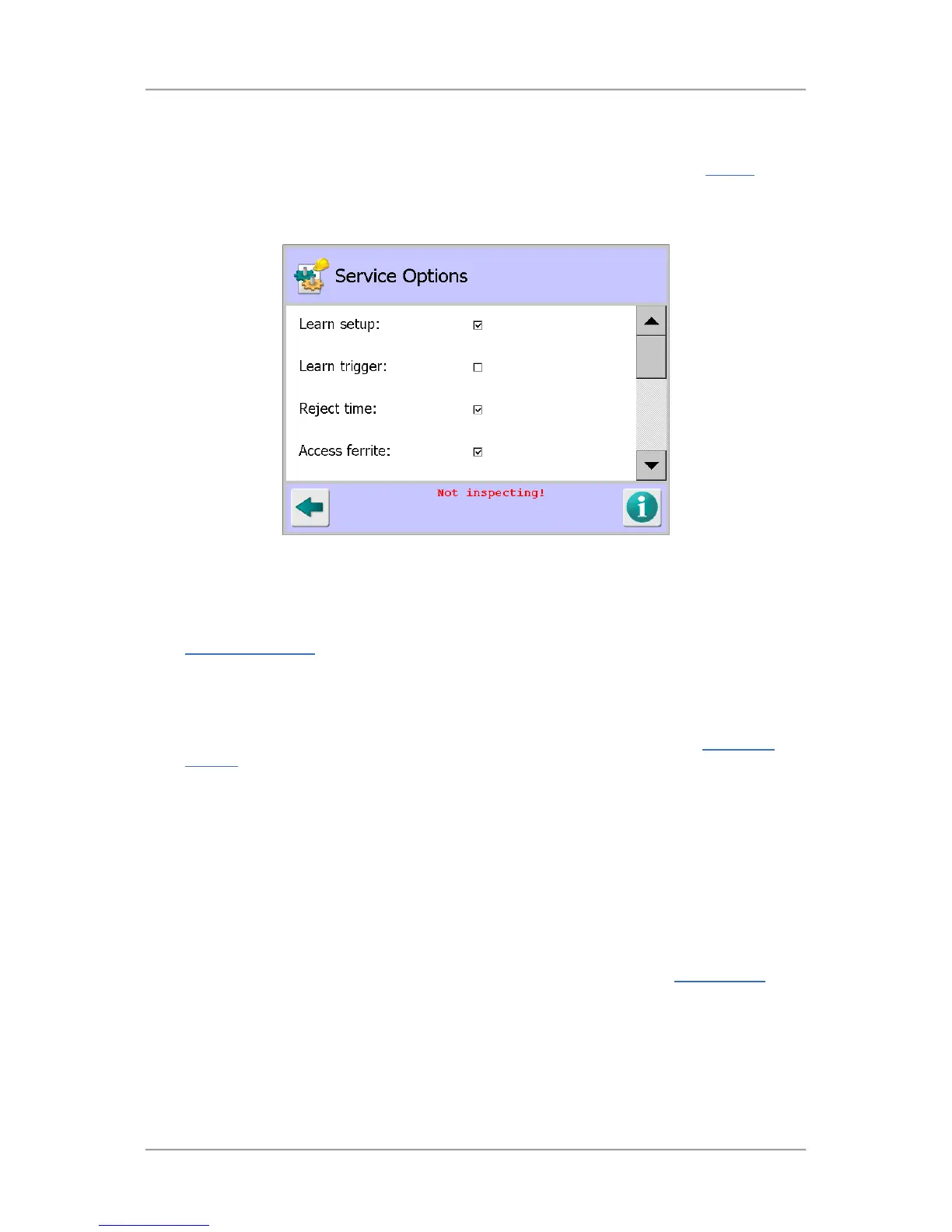
Service Options
Purpose
The Service Options screen is displayed by tapping on the Service Options icon in the Service
screen.
Through this screen you can enable and configure a number of options covering the Learn process,
rejects, products and data communications.
Screen Content
Select or enter the appropriate parameter values in the screen as follows:
■
Learn setup
Selecting this option enables access to manual adjustment of Learnt product parameters in the
Auto-Learn Settings
screen.
Tap in the option check box to enable or disable it.
■
Learn trigger
Selecting this option means that the Max learnt threshold signal value set in the
Auto-Learn
Settings screen must be exceeded to initiate a Learn process.
Typically this is used on pipeline systems where within the normal continuous flow of product air
pockets exist. This function enables the detector to quickly perform a Learn process to prevent
false rejection when encountering pockets of air.
At least one normal Full Learn process should be completed for all products to ensure the
correct function of this option.
Tap in the option check box to enable or disable it.
■
Reject time
Selecting this option enables the Reject delay and Reject dwell fields in the Rejects Setup
screen so that their time values may be updated.
Therefore, leaving this option disabled prevents accidental changes being made to the reject
timings.
Tap in the option check box to enable or disable it.



 To Next Page