The User Interface
137
Service
Purpose
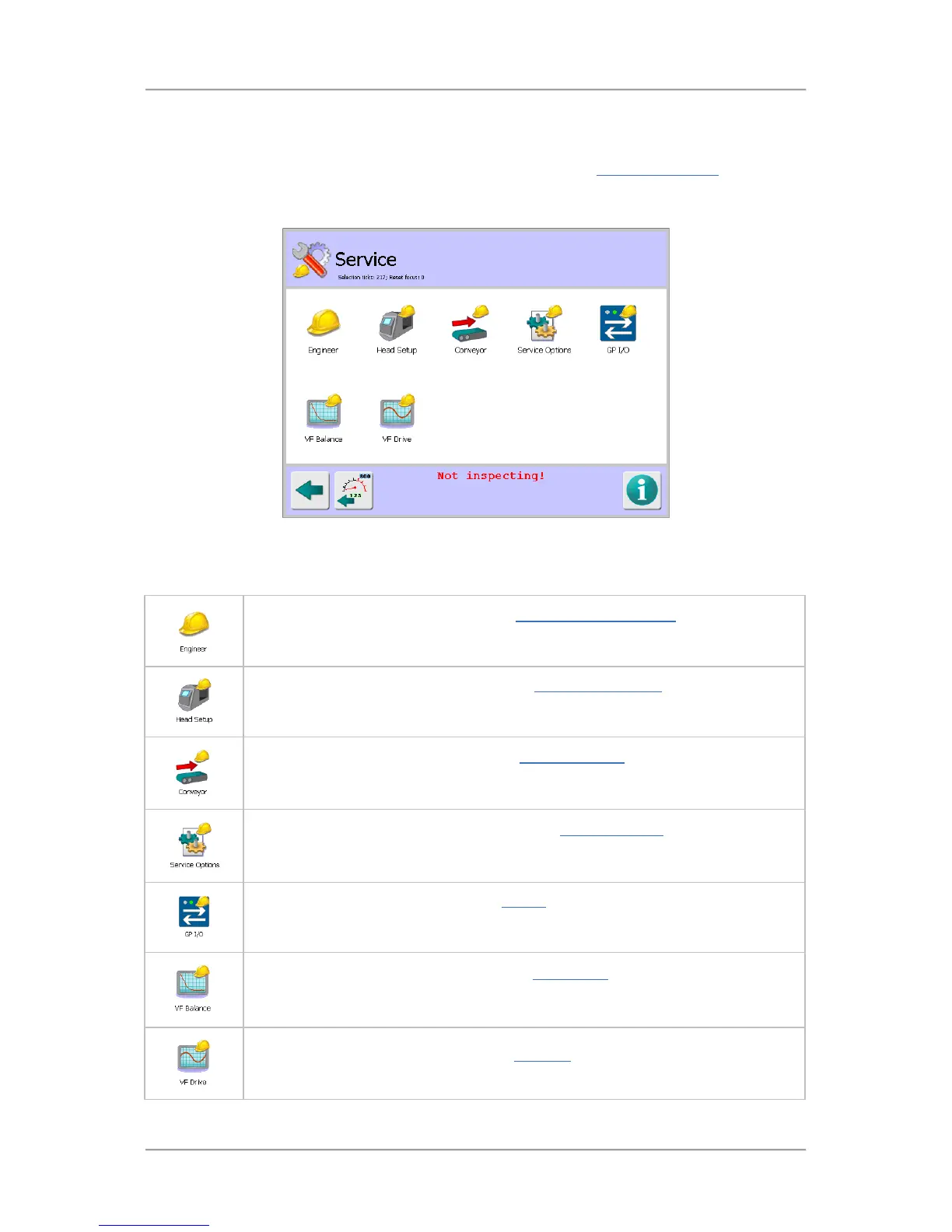
The Service screen is displayed by tapping on the Service icon in the Advanced Settings
screen.
The purpose of the screen is to provide Engineers and Loma Service Engineers access to a number
of service screens that provide options for setting up the metal detector.
Screen Contents
The screen contains a number of icons described in the table below which when selected provide
access to other screens.
Tap on the Engineer icon to display the Engineer / Loma Service screen in which
you can copy and load product settings using a USB memory stick and carry out
advanced actions to debug the system.
Tap on the Head Setup icon to display the Search Head Setup screen which
provides options for configuring the detector hardware that are required for the
detector to work correctly.
Tap on the Conveyor icon to display the Conveyor Setup screen which provides
options for configuring the conveyor based on the optional items fitted to the
conveyor and its method of operation.
Tap on the Service Options icon to display the Service Options screen to enable
and configure a number of options covering the Learn process, rejects, products
and data communications.
Tap on the GP I/O icon to display the GP I/O screen through which you can set up
monitoring of standard and optional features. The status of enabled options is then
displayed.
Tap on the VF Balance icon to display the VF Balance screen which is used to
manually or automatically balance the raw P and Q channels for all available
operating frequencies.
Tap on the VF Drive icon to display the VF Drive screen which is used to set up the
transmitter drive for all available operating frequencies.



 To Next Page