The User Interface
136
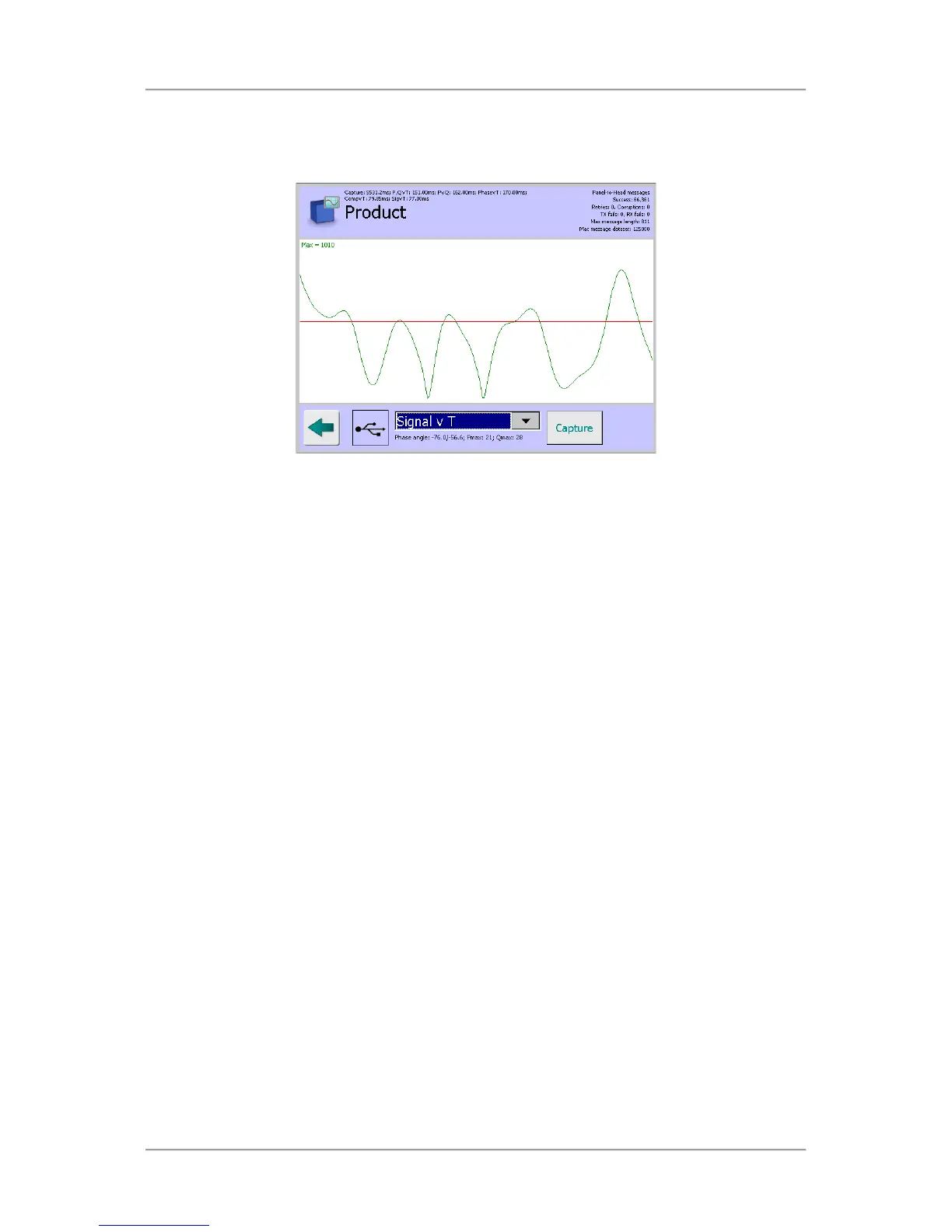
■ Signal v T screen
The Signal v T screen displays a graph of the product signal over time. The Max value is also
displayed.
■
Service Options screen
The Service Options screen provides options through a drop down list to select what data is
used for displaying in the screens. The following options are available for selection:
O
Metal Detector
When this option is selected, tapping on the Capture button whilst passing a sample
product pack through the detector, will start a data capture process to obtain a set of raw
data directly from the detector head. This data is then used for display in each screen.
O
USB Stick
When this option is selected and a USB memory stick is fitted, tapping on the Capture
button will display a standard file browser dialog for you to locate a file on the memory
stick, referred to as the ‘Hard Disk’ in the dialog, that contains a previously saved set of
data. The data from the selected file is then used for display in each screen. Further
details are available under the USB icon heading included earlier in this section.
O
SD Card
When this option is selected and an SD Card is fitted, tapping on the Capture button will
display a standard file browser dialog for you to locate a file on the SD Card, referred to as
the ‘Storage Card’ in the dialog, that contains a previously saved set of data. The data
from the selected file is then used for display in each screen



 To Next Page