The User Interface
84
Learn Setup
Purpose
The Learn Setup screen contains the Learn parameters used by the detector for the currently
selected product. Default values are used before the product has been Learnt but following
completion of a Learn process the values are automatically updated based on the results achieved.
The screen contains some options that are enabled manually and you may also change other
parameter values if required. See the Learning Products
section for further details.
Screen Contents
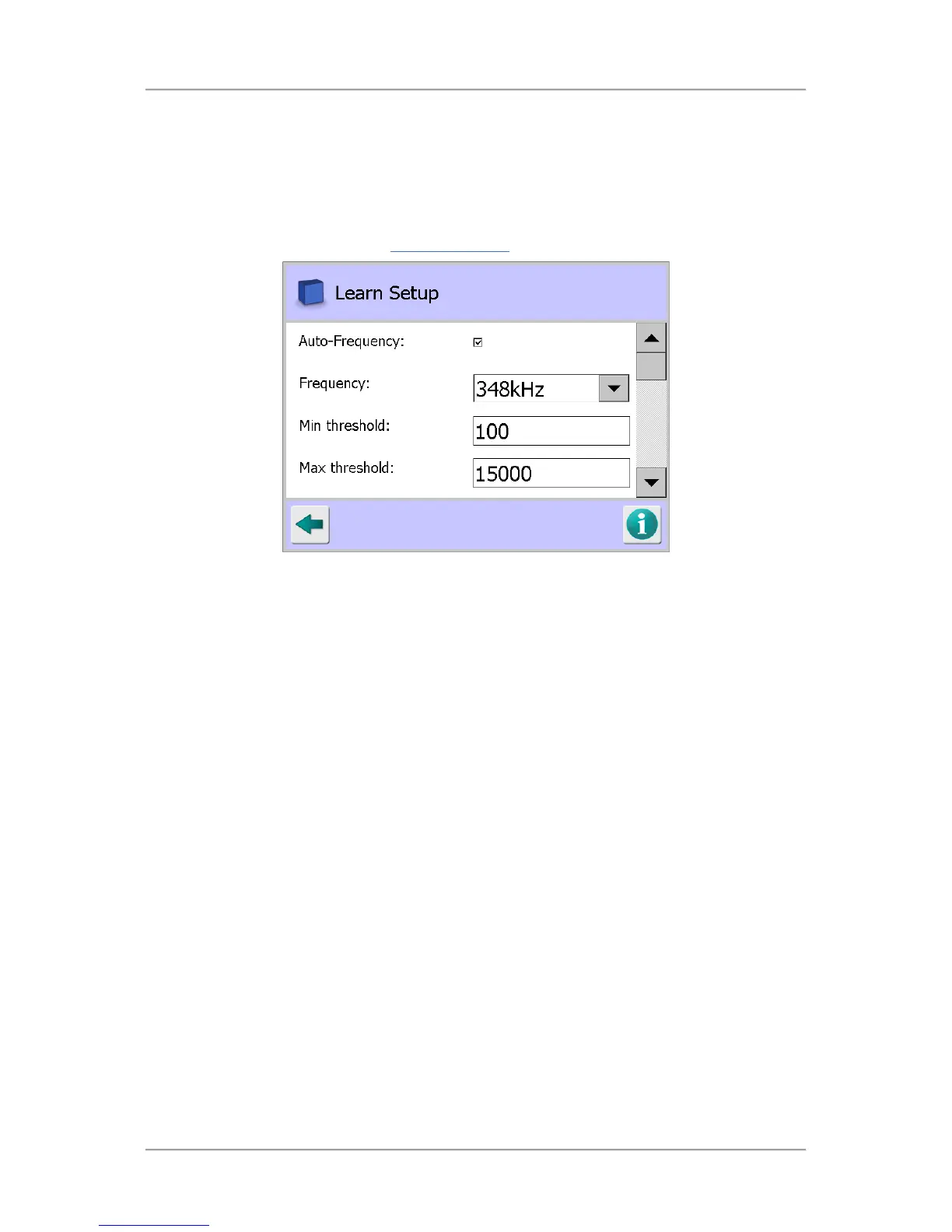
The Learn Setup screen contains the following parameters for configuration:
■
Auto-Frequency
If this option is enabled, the operating frequency to be used by the detector for the product
being Learnt is automatically selected.
Tap in the option check box to select the Auto-Frequency option.
If the option is not enabled then the Frequency to be used is manually selected from the drop
down list provided.
■
Frequency
The operating frequency for the detector, assigned to a product memory, is displayed or can be
selected when operating manually.
Tap on the arrow to the right of the field to display a drop down list of frequencies for selection.
■
Min threshold
The value entered here sets the lowest threshold that the detector can set during any Learn
process.
Tap in the Min threshold field to display the pop-up numeric keypad screen and enter the value
to be used.
■
Max threshold
The value entered here sets a level that during any Learn process if exceeded will abort the
process. Its purpose is to prevent a successful Learn being achieved for a contaminated sample
product.



 To Next Page