The User Interface
102
Resultant
Purpose
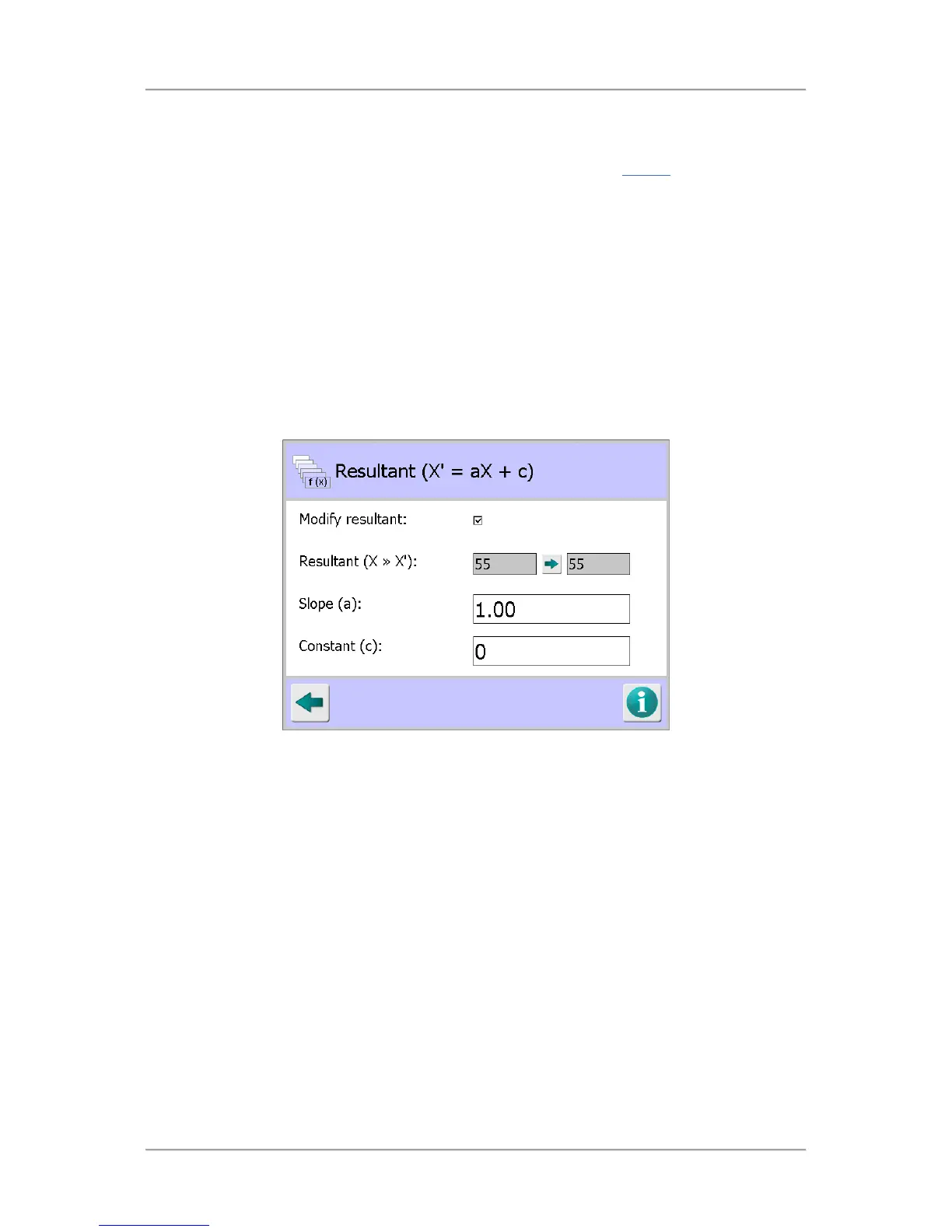
The Resultant screen is displayed by tapping on the Resultant icon in the Display
screen.
The Resultant value, or current product signal value, is displayed in a number panel located under the
product signal dial in the Main Run screen.
It is sometimes desirable to modify the Resultant value displayed by changing the parameter values
used to calculate it.
For example, you may have two metal detectors working side by side that are inspecting the same or
similar products. One detector may display on average a resultant value of 500 whilst the other may
display an average a value of 200.
By changing the Resultant parameters in this screen on the detector displaying a value of 200 it is
possible to make it display a value of around 500.
Note that these are effectively cosmetic settings only and do not affect the operation of the detector.
This feature is for advanced users only. Please contact your Loma Service Centre before using this
feature.
Screen Contents
The Resultant screen contains the following parameters for configuration:
■
Modify resultant
Tapping in this option check box enables the parameters in the screen so that the Resultant
value may be modified.
■
Resultant (X >> X
1
)
Two non-editable resultant values are displayed, being the current value and the value after the
Slope and Constant parameters have been modified.
■
Slope (a)
Tapping in the field displays a pop-up numeric keyboard into which you can enter a new Slope
value.
■
Constant (c)
Tapping in the field displays a pop-up numeric keyboard into which you can enter a new
Constant value.



 To Next Page