Logs and Reports
223
Screen Contents
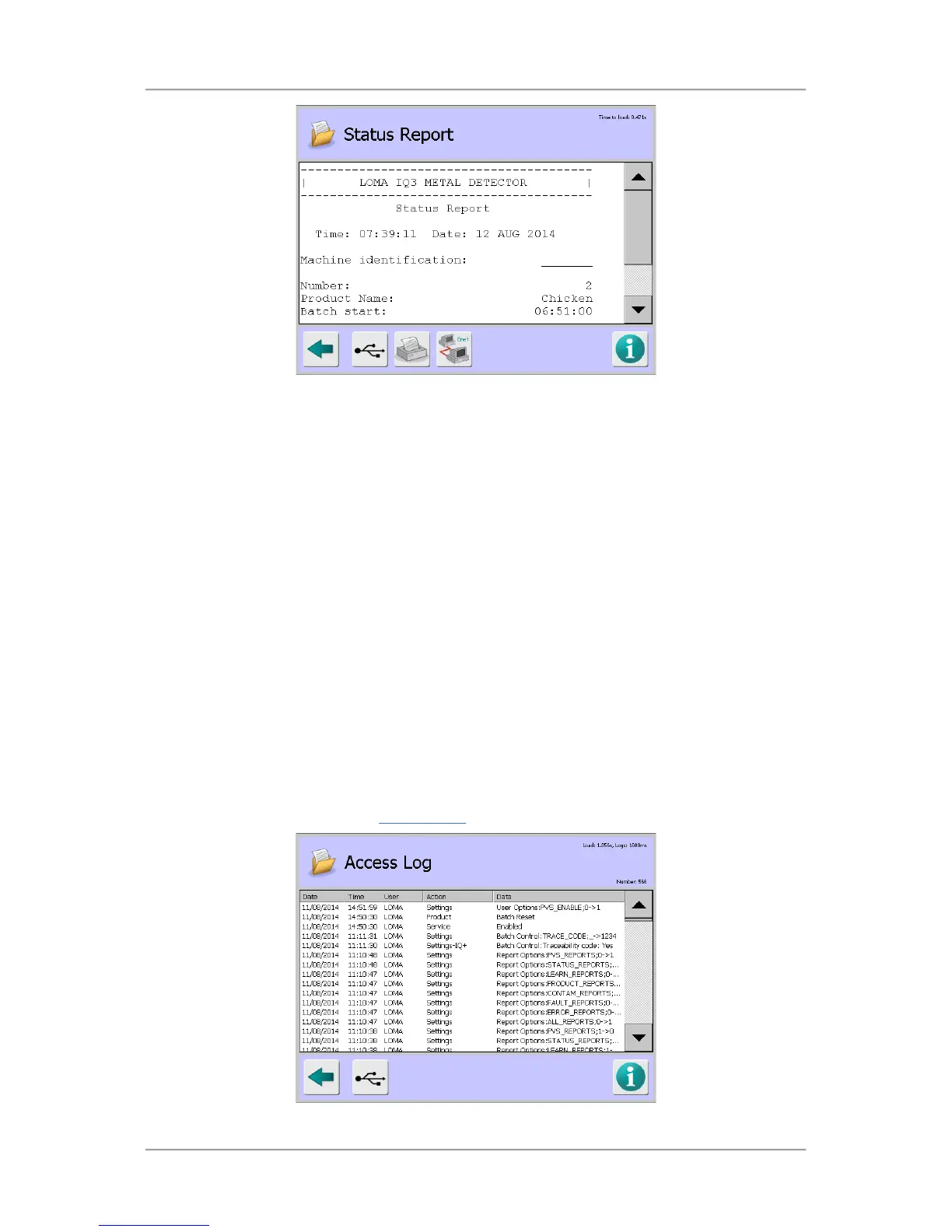
The report contains information in several sections as described below.
■
Status Report - This section contains the following general information:
O
Time – Displays the time that the report was generated.
O
Date – Displays the date that the report was generated.
O
Machine Identification – Displays the machine ID.
O
Number – Displays the product number.
O Product Name – Displays the product name.
O
Batch start – Displays the batch start time.
O
Batch finish – Displays the batch finish time.
O
Number of bad packs – Displays the number of packs rejected
Access Log
Purpose
The Access Log provides a record of all user actions on the metal detector which is a useful feature
when carrying out investigations to resolve problems. The log cannot be deleted or manually edited.
Select the Access Log option in the Logs/Reports
screen to display the Access Log screen.



 To Next Page