61
Getting Started
This chapter provides some basic guidelines for initially using the IQ
3
+ Metal Detector.
The following sections provide more information:
■
User Interface
This section provides brief a description of the machine’s user interface so that you may
navigate around the system to make the right selections.
■
User Access
User access to the features and functionality of the machine is managed through one general
and four password protected levels, listed and described below which are described in this
section.
■
Logging In and Out
Once a user account has been provided for you this section describes how to log in and out of
your account.
■
Starting and Stopping
Guidance is provided for each inspection machine type, describing how to start and stop the
machine; including stopping the machine in an emergency.
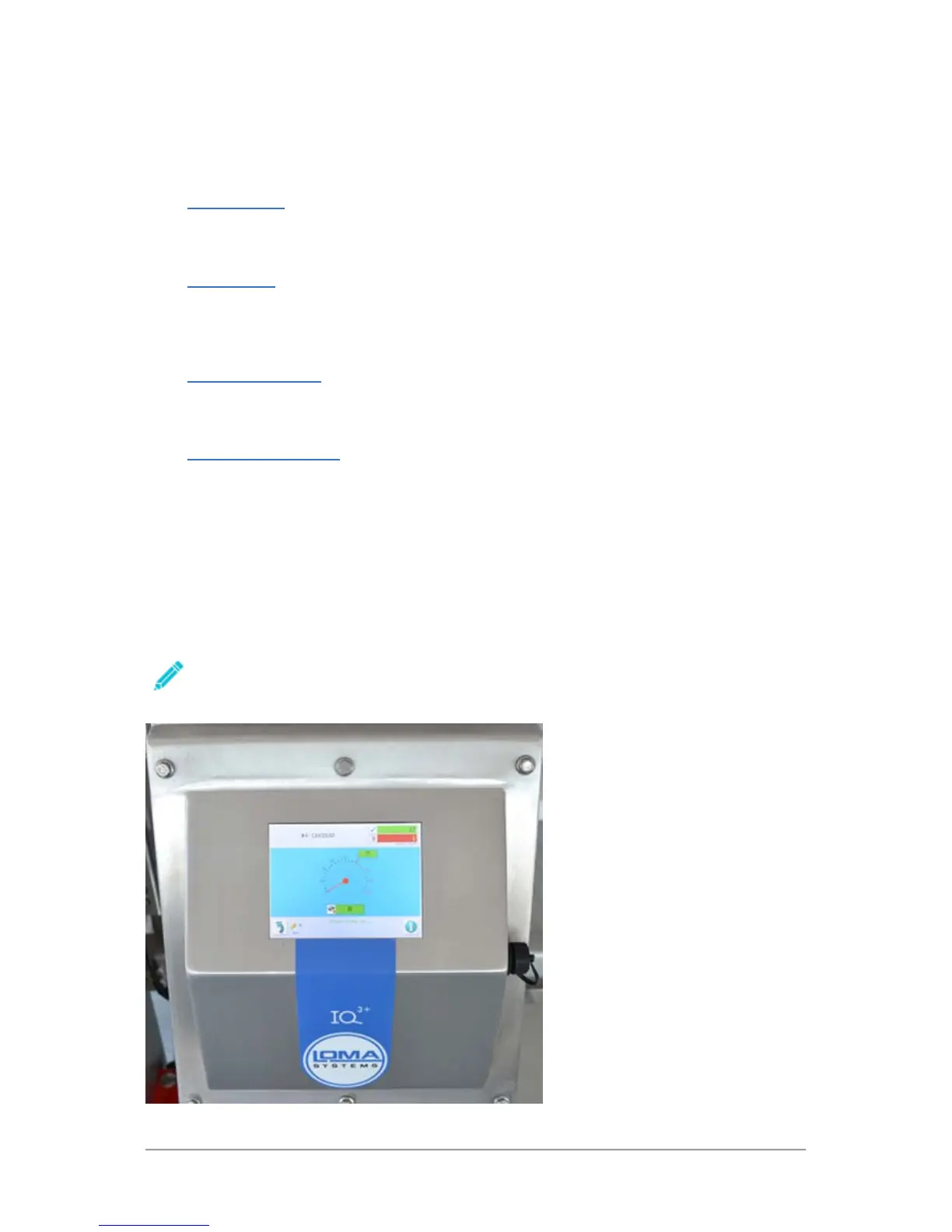
User Interface
The IQ
3
+ Metal Detector provides a touch screen user interface located on the front of the machine
control panel.
Through the user interface you can set up and manage all parameters required for inspecting
products and for the general operation of the machine.
To select an option on the touch screen you must ‘tap’ the screen in the appropriate place.
For consistency, we have used the terms ‘tap’ and ‘tapping’ throughout this guide to mean
making a selection on the display screen.



 To Next Page