Logs and Reports
210
This section describes how to produce the report, which can be automatically created and sent
when changing product or can be manually requested from the Setup Report screen.
■
Learn Report
This section describes how to produce the report, which can be automatically created and sent
each time the product Learn function is completed or it can be manually requested from the
Setup Report screen.
■
Status Report
This section describes how to produce the report, which provides product run data for the
currently running product at the time it is sent.
■
Access Log
This section describes how to produce the log and an explanation of some example problems
that may be included in the log.
■
Configuration Report
This section describes how to produce the report, which contains a complete record of the
detector setup.
■
Release Notes
This section describes how to view the release notes that are applicable for the installed
software versions.
■
Log and Report Output Options
This section provides details for each of the available methods for outputting a log or report
Run Errors Log
Purpose
Run errors are classified as non serious but may require an operator's attention. When generated the
attention relay operates and subsequently any remote device connected to it.
This report is useful for monitoring the types of errors being generated that interrupt production and
looking for potential trends so that improvements may be made to reduce production down time.
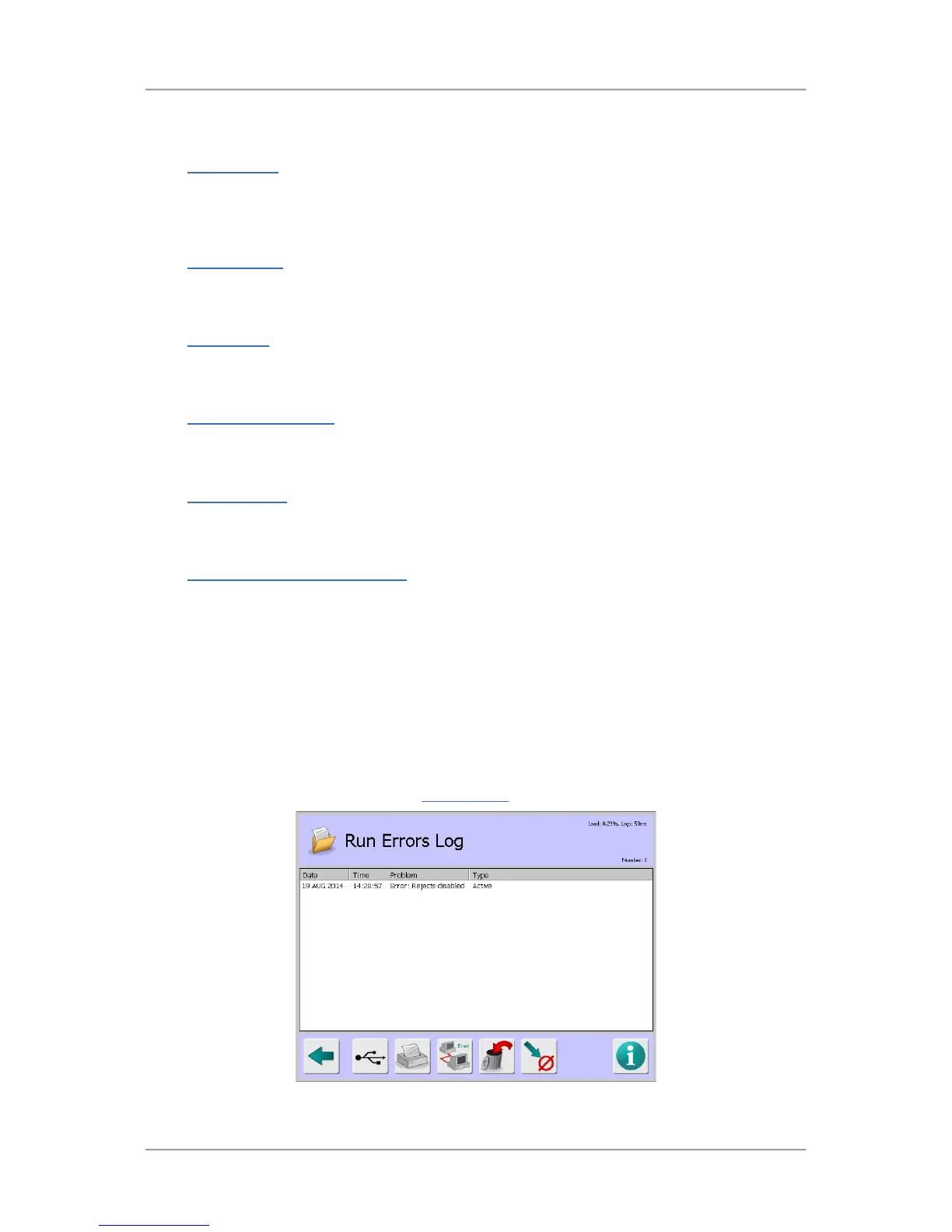
Selecting the Run Errors Log option in the Logs/Reports
screen displays the Run Errors Log screen.



 To Next Page