The User Interface
100
Screen Contents
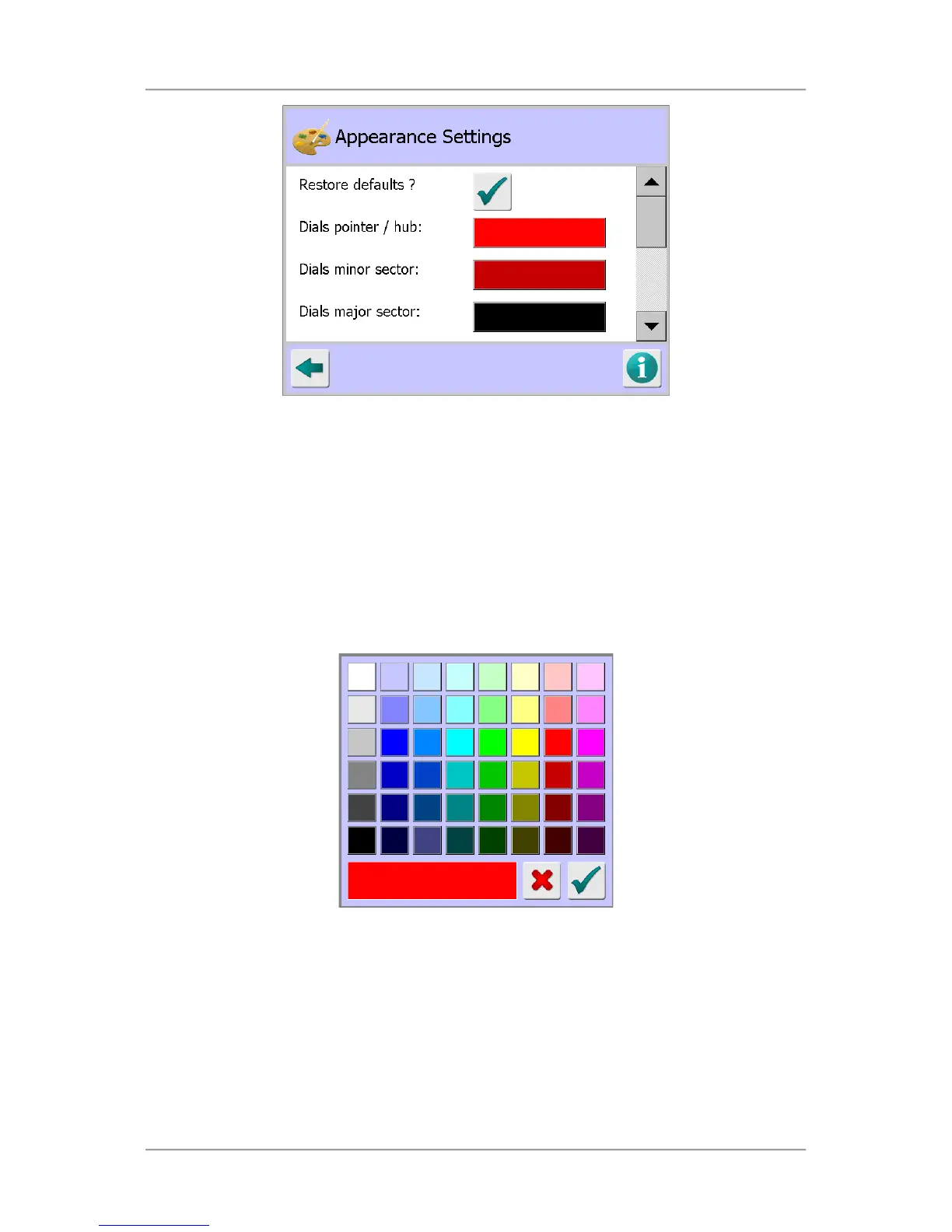
The Learn Setup screen contains the following parameters for configuration:
■
Restore defaults?
Tapping on the green tick button resets all of the parameters contained in the screen to their
default values.
■
Dials pointer / hub
Tapping on the colour panel displays a pop-up colour palette screen shown below. Tap on the
required colour bock to select it and tap on the green tick OK button to make the change and
close the screen.
■
Dials minor sector
Tapping on the colour panel displays the pop-up colour palette screen. Tap on the required
colour bock to select it and tap on the green tick OK button to make the change and close the
screen.
■
Dials major sector
Tapping on the colour panel displays the pop-up colour palette screen. Tap on the required
colour bock to select it and tap on the green tick OK button to make the change and close the
screen.



 To Next Page