The User Interface
119
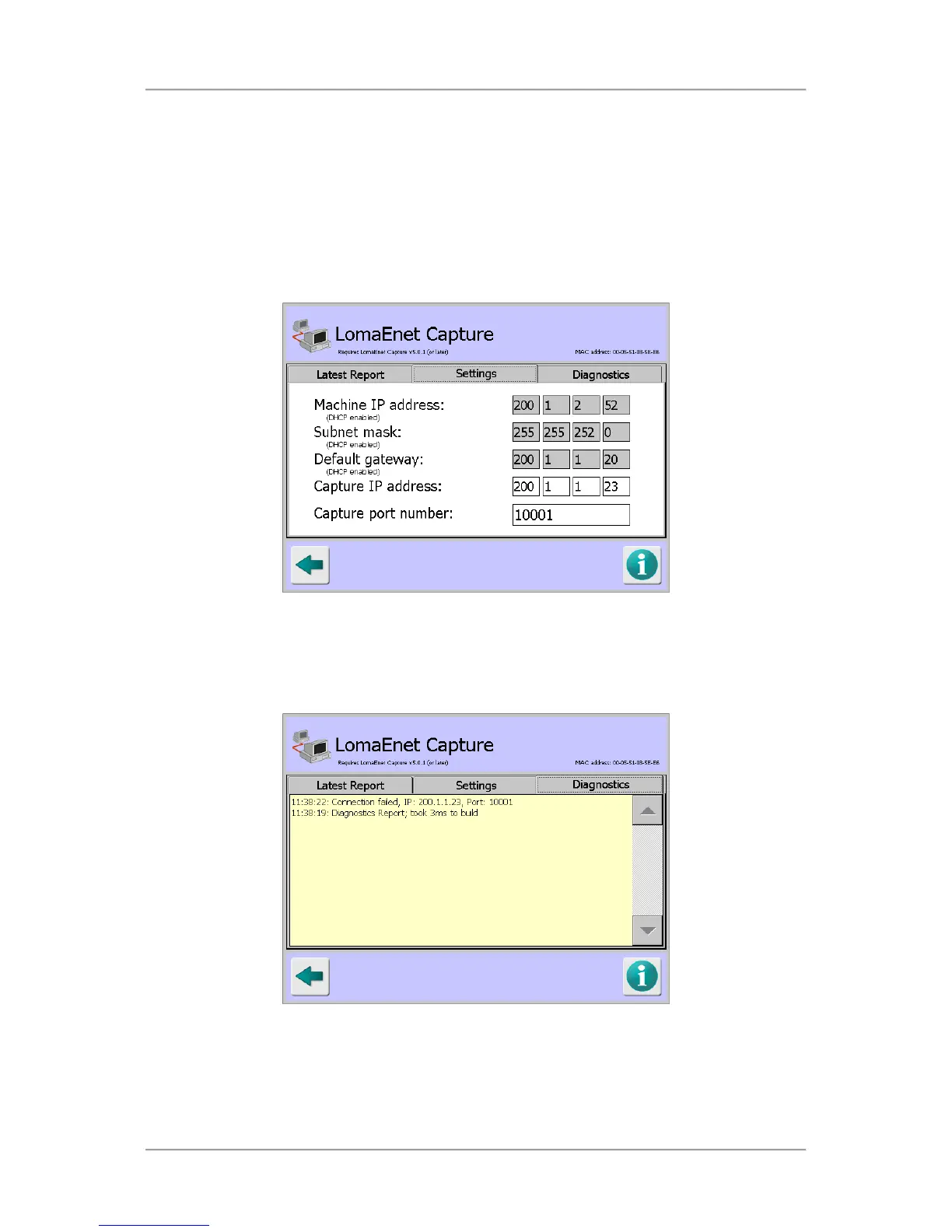
■ Settings
This tab displays the network address details for the metal detector and allows you to enter the
IP address and Port number for the server on which the LomaEnet Capture application has
been installed so that they can communicate to each other, e.g. the metal detector can send the
application a report.
To change any of the IP address or Port number details, tap in a field to display a pop-up
numeric keypad and enter the required value.
■
Diagnostics
This tab displays advanced diagnostic messages about reports sent and communications with
the LomaEnet Capture application. The last 50 diagnostics messages are displayed.



 To Next Page