The User Interface
127
■ Balance
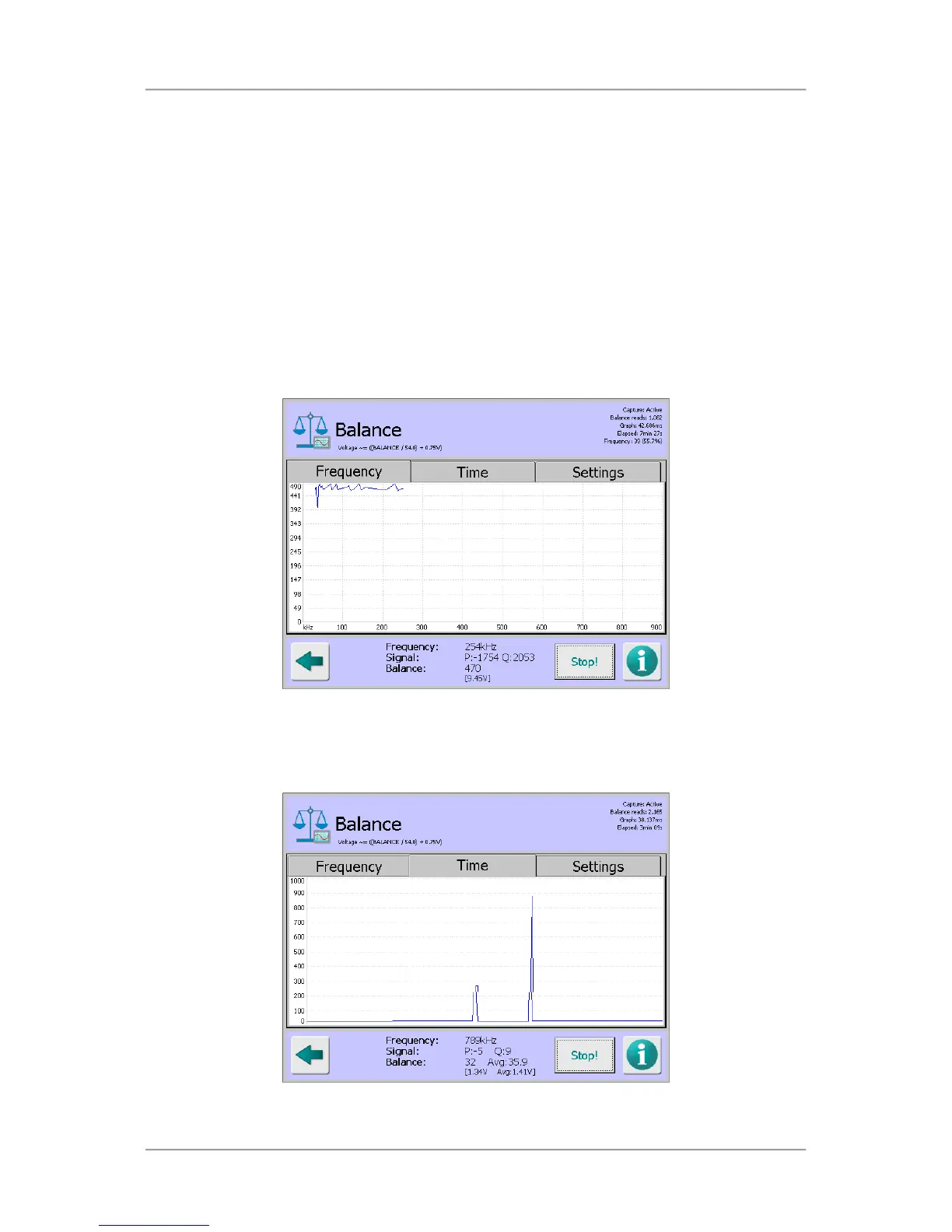
This field displays the balance signal. This is shown as a voltage in brackets below the signal
value. This is calculated by dividing the current balance value by 54 and then adding 0.75.
■
Capture / Stop
This button is used to start and stop the data capture process when either the Frequency or
time tabs are selected. The button legend toggles between ‘Capture’, which indicates that the
process has not been started and ‘Stop’, which indicates that the process has been started.
The information displayed in each of the tabbed panes is as follows:
■
Frequency tab
Tapping on the Capture button with the Frequency tab selected starts a process that steps
through each of the 70 available frequencies, captures the balance values at each frequency
and displays them on a graph which updates in real time
■
Time tab
Tapping on the Capture button with the Time tab selected starts a process that captures the
balance value at the currently set frequency and displays a scrolling graph of that signal over
time.



 To Next Page