4.3 Multi-step Frequency Configuration
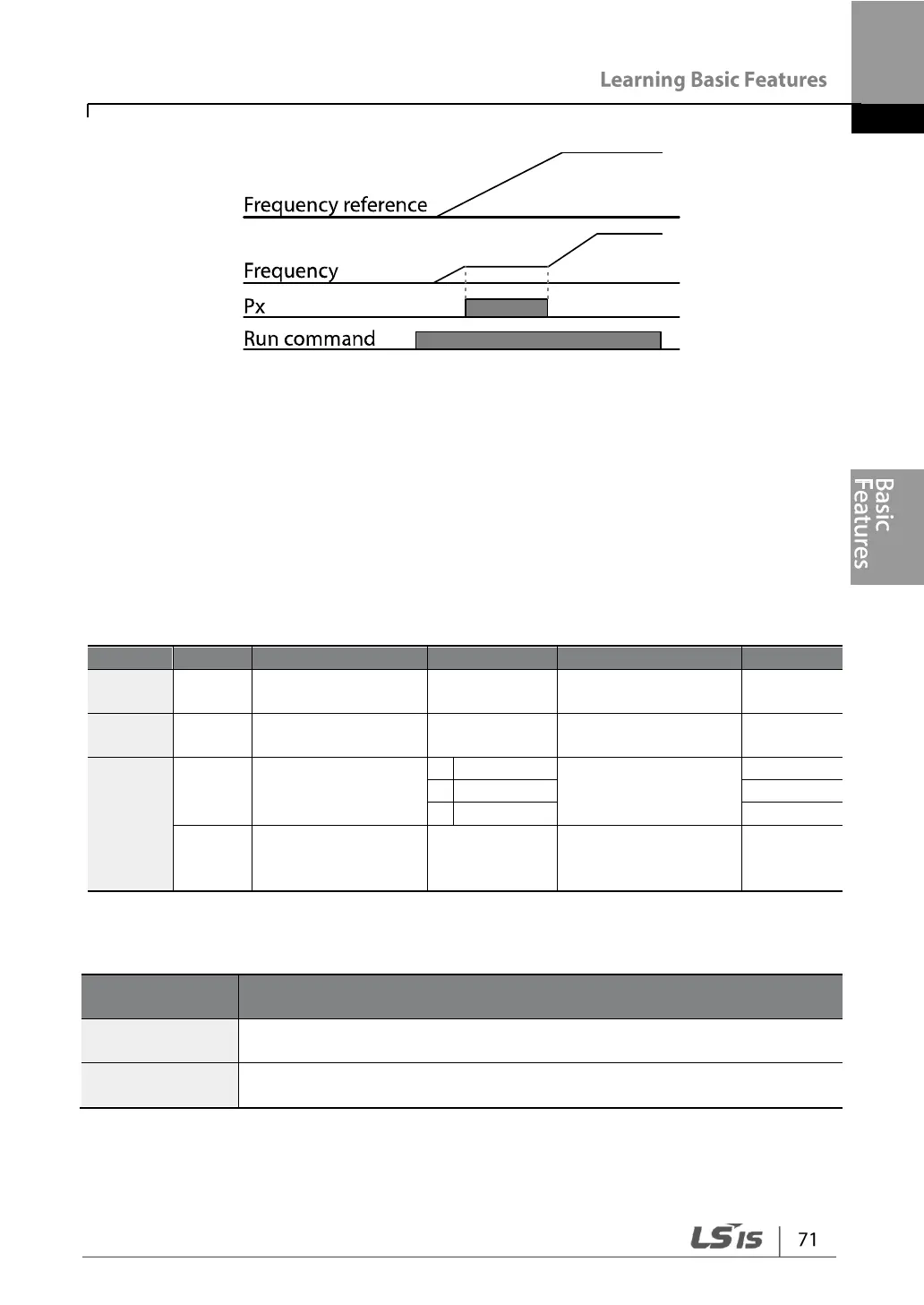
Multi-step operations can be carried out by assigning different speeds (or frequencies)
to the Px terminals. Step 0 uses the frequency reference source set with the Frq code
in the Operation group. Px terminal parameter values 7 (Speed-L), 8 (Speed-M) and 9
(Speed-H) are recognized as binary commands and work in combination with Fx or
Rx run commands. The inverter operates according to the frequencies set with St.1–3
(multi-step frequency 1–3), bA.53–56 (multi-step frequency 4–7) and the binary
command combinations.
Px terminal setting
options
Multi-step
command delay
time
Multi-step Frequency Setting Details
Configure multi-step frequency 1–3.
Configure multi-step frequency 4–7.


 To Next Page