LB 9507 Chapter 2: Design of the Lumat
2-3
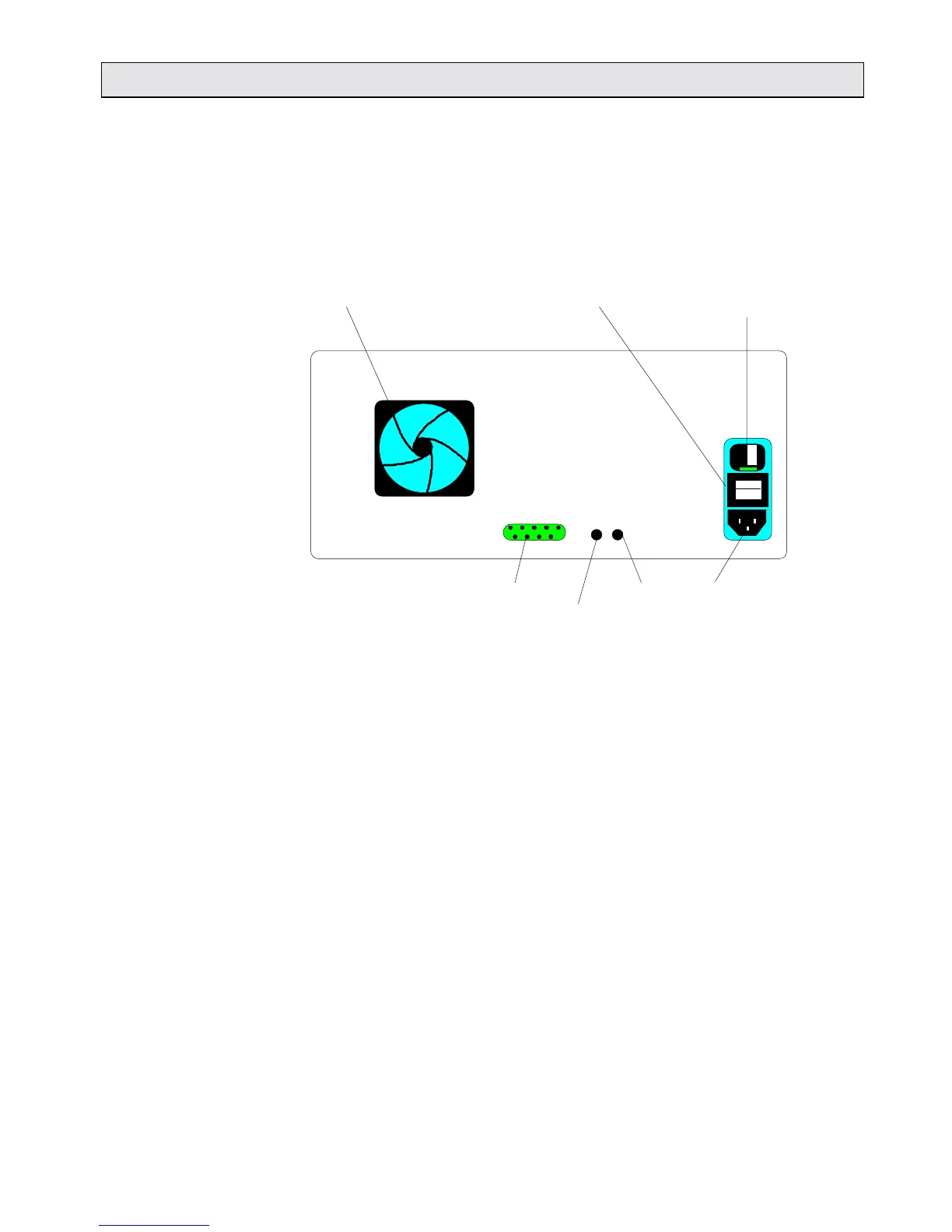
Rear side The rear panel of Lumat:
1 Mains connection (115 or 230 V)
2 Fuse with selector for voltage, display for selecting voltage
3 Power switch
4 Computer port (I/O port)
5 Printer contrast adjust
6 Display contrast adjust
Air filter Power switch Fuse
0
Host I/O port Display Mains plug
RS 232 Printer
Fig. 2-3: Rear view of Lumat



 To Next Page