214713 175 Revision A
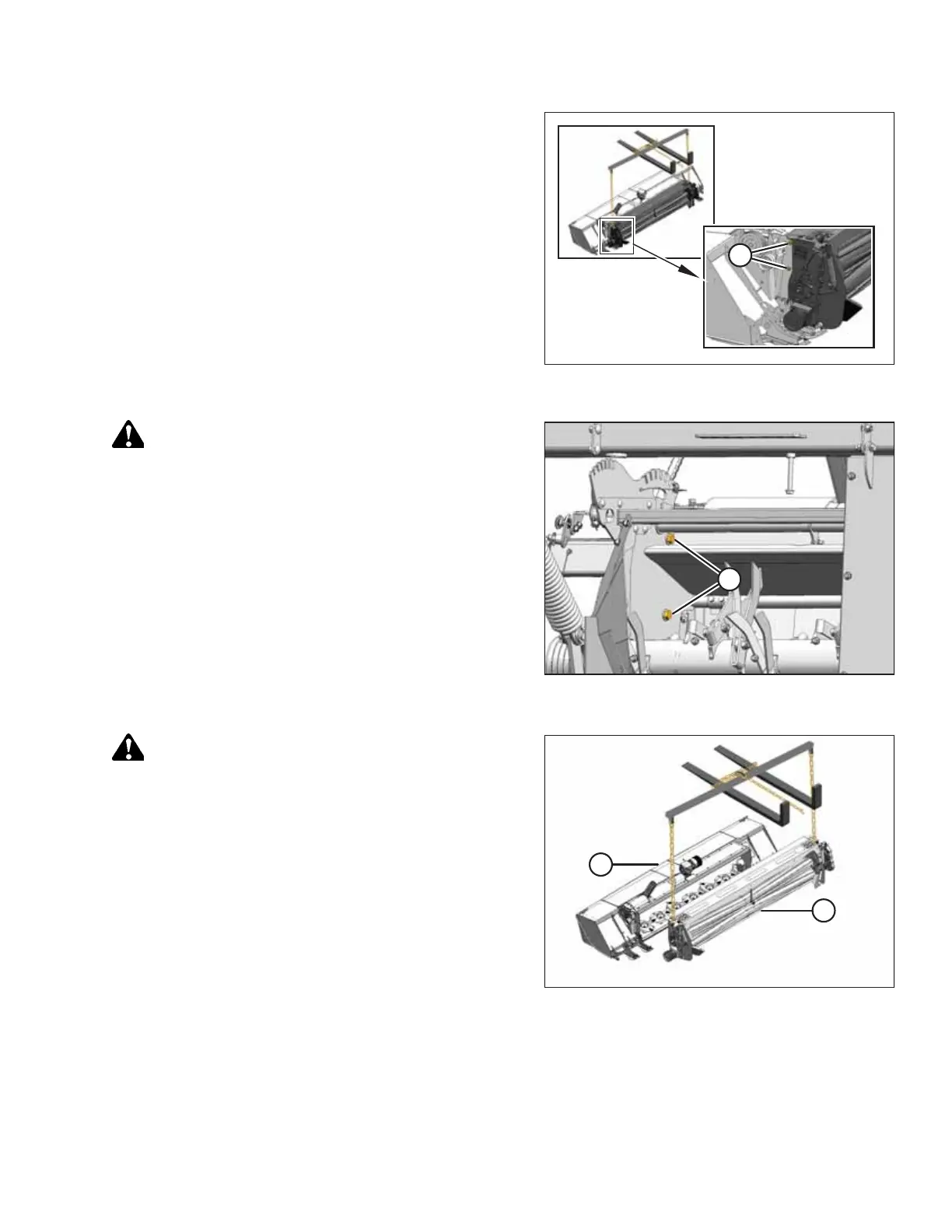
Figure 9.12: Left Side of Conditioner – Right
Side Similar
5. Lift conditioner slightly forward to take load off bolts (A)
and to hold the conditioner after the bolts are removed.
Retain hardware for reinstallation.
Figure 9.13: Left Side of Finger Conditioner –
Right Side Similar
CAUTION
Stand clear when detaching the conditioner.
6. Remove two M16 hex head bolts (A) from each side of
conditioner that secure it to mower.
Figure 9.14: Conditioner Lift
CAUTION
Stand clear when detaching the conditioner.
7. Lift conditioner (A) off disc mower (B), and move it away
from work area.
CHANGING THE CONDITIONER





 To Next Page