214713 148 Revision A
11. If acceptable slippage is detected, retighten clutch
spring adjustment nuts (B). Refer to 7.17.1 Adjusting
Clutch, page 148.
12. If acceptable slippage is not detected, the clutch should
be removed and disassembled for inspection/repair.
Contact your MacDon Dealer.
1008473
A
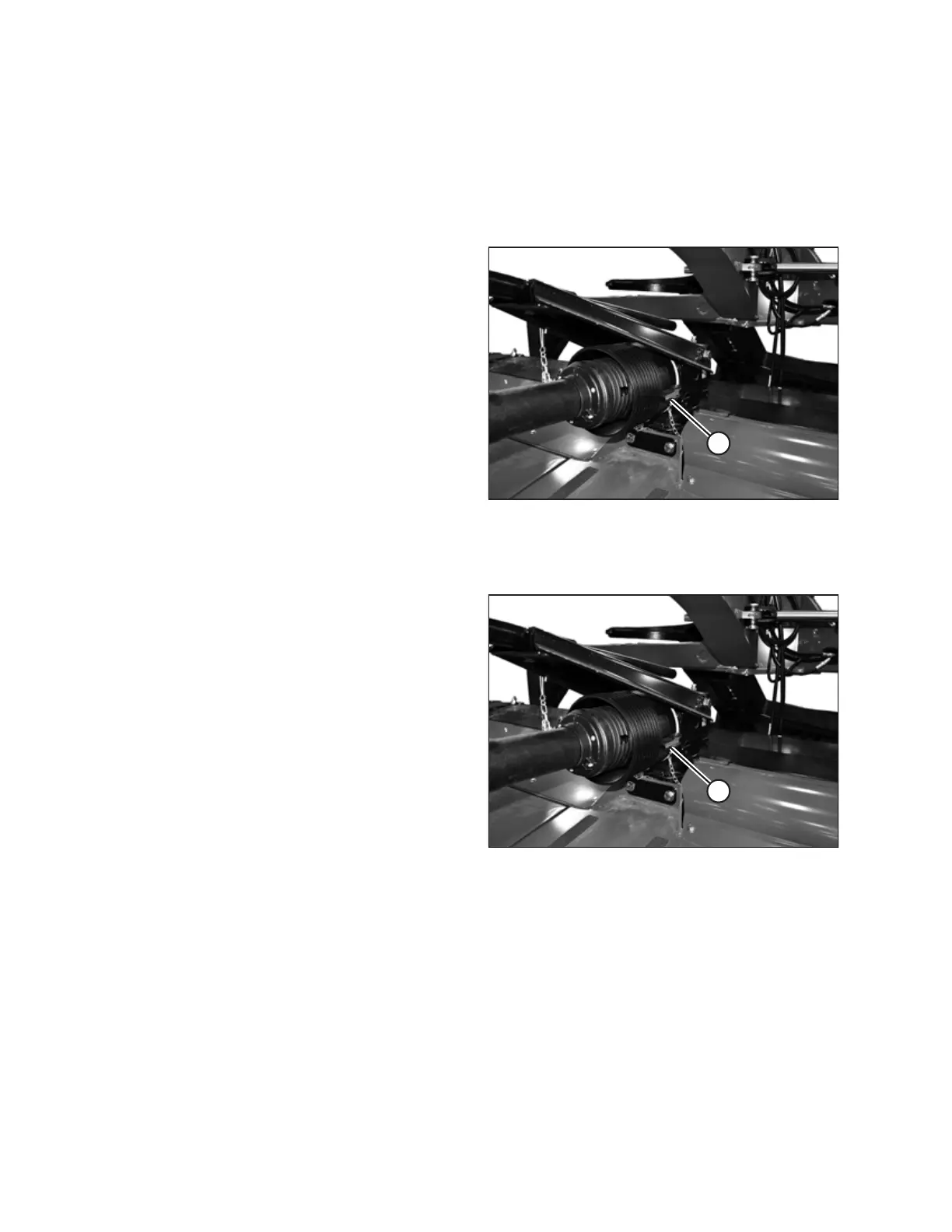
Figure 7.34: Driveline Shield Cone
13. Slide the shield cone to the gearbox and secure with the
two lever clamps (A).
7.17.1 Adjusting Clutch
1008473
A
Figure 7.35: Driveline Shield Cone
1. Release two lever clamps (A) on the shield cone
installed at the header swivel gearbox.
PERFORMING PREDELIVERY CHECKS





 To Next Page