214713 93 Revision A
5.3 Attaching Disc Mower to the Tractor
Refer to the attachment procedure that applies to your tractor:
• 5.3.1 Attaching with Drawbar Hitch, page 93
• 5.3.2 Attaching with Two-Point Hitch, page 95
5.3.1 Attaching with Drawbar Hitch
CAUTION
Shut off tractor, engage parking brake, and remove key before working around hitch.
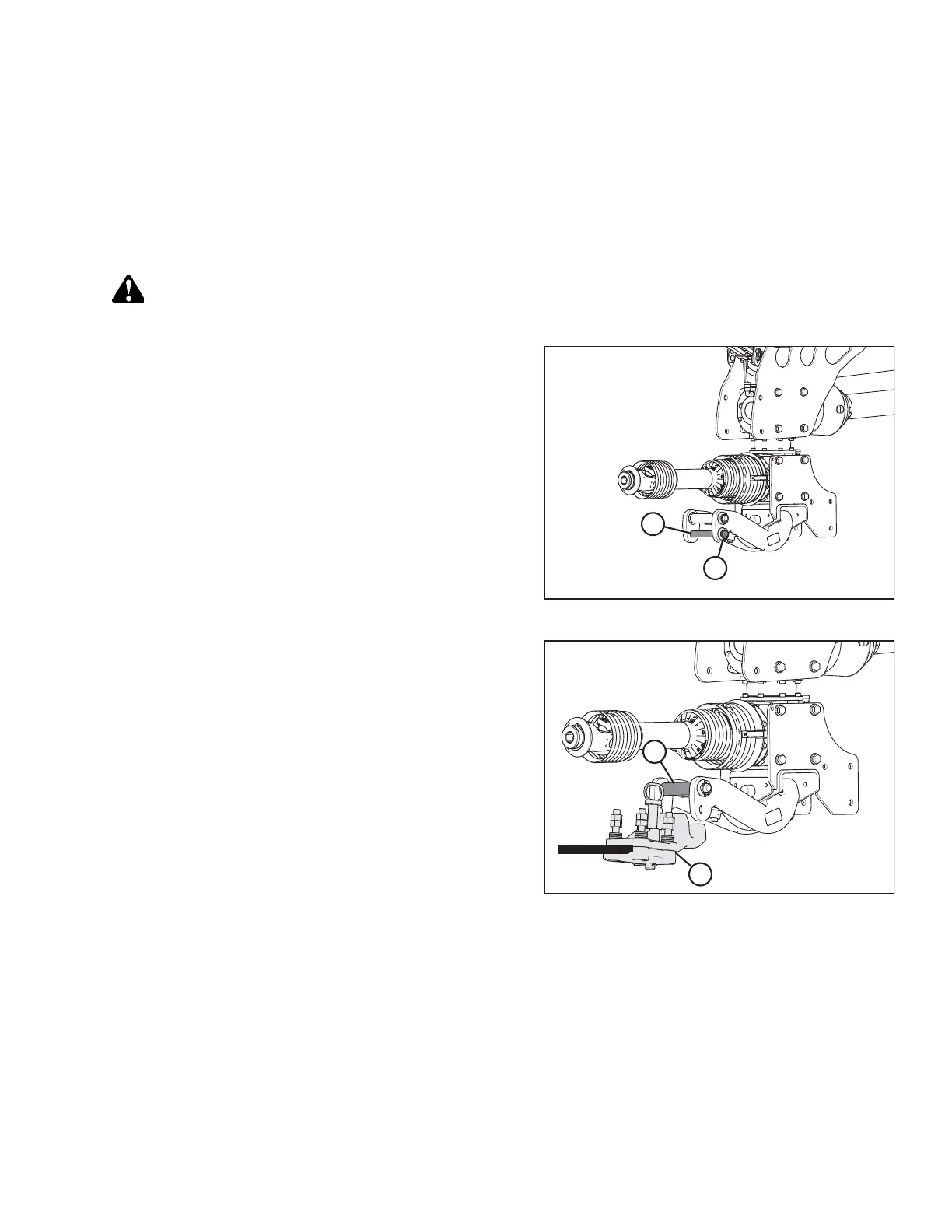
Figure 5.3: Disc Mower Hitch
1. Remove lynch pin (A) from clevis pin (B), and remove
clevis pin from disc mower hitch.
Figure 5.4: Disc Mower Hitch
2. Move tractor to position drawbar hitch adapter (A) under
pin (B) in disc mower hitch. Adjust height as necessary
with jack.
3. Shut down tractor and remove key from ignition.
SETTING UP THE TRACTOR




 To Next Page