214713 95 Revision A
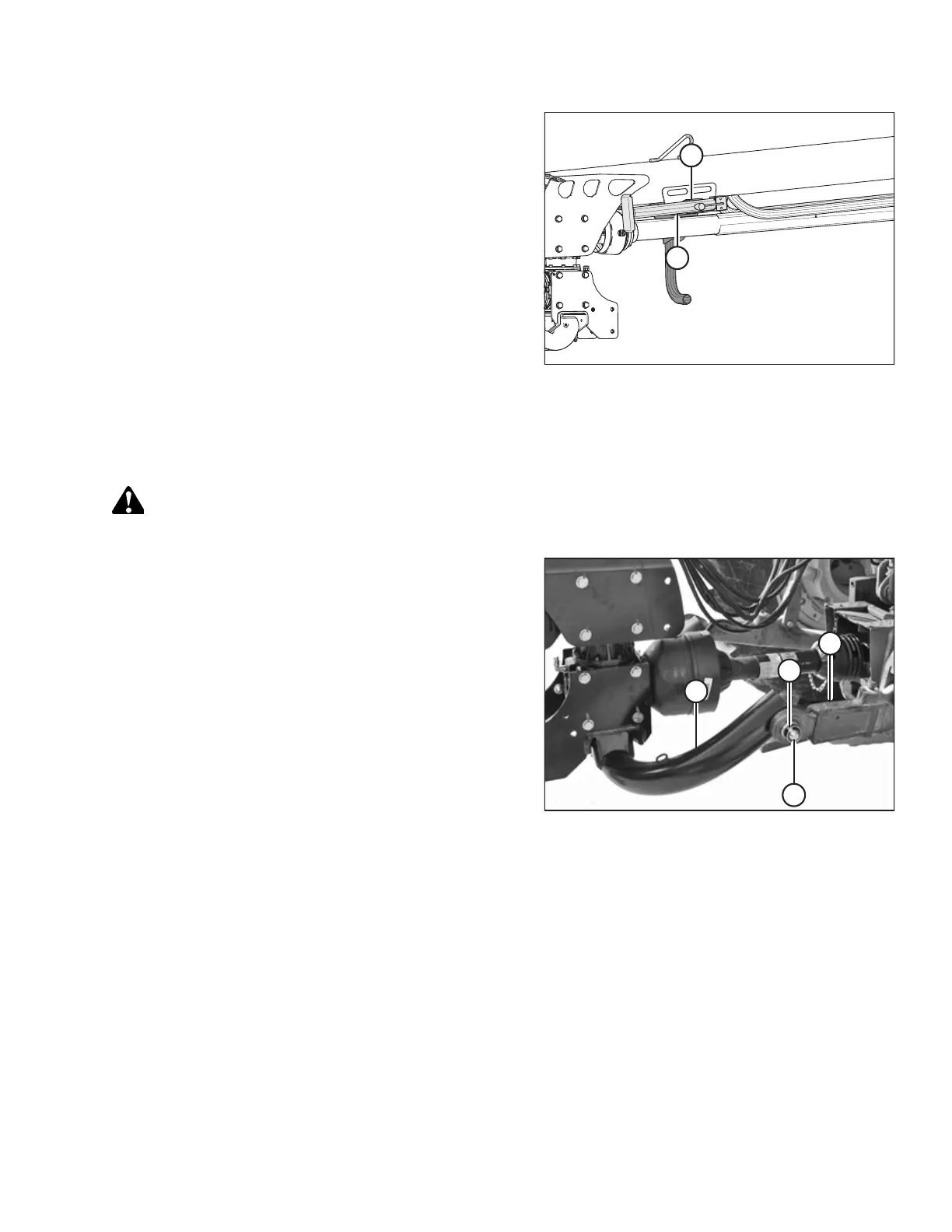
Figure 5.8: Jack Storage
10. Move jack (A) to storage position on top of hitch, and
secure with pin (B).
11. Proceed to 5.3.3 Connecting Hydraulics, page 98.
5.3.2 Attaching with Two-Point Hitch
Follow these steps to attach category II, IIIN, and III two-point hitches:
CAUTION
Shut off tractor, engage parking brake, and remove key before working around hitch.
Figure 5.9: Two-Point Hitch Configuration
1. Position tractor and align tractor hitch arms (A) with
hitch adapter (B).
2. Shut off tractor and remove key.
3. Remove lynch pins (C) and washers from hitch adapter.
4. Secure arms (A) onto adapter pins (D) with lynch
pins (C).
NOTE:
If tractor is equipped with a category III hitch, use a
bushing (MD #224322) on each hitch pin (D).
NOTE:
If using a category III hitch, a longer driveshaft may be
required.
5. Install anti-sway bars (not shown) on tractor hitch to
stabilize lateral movement of hitch arms (A). Refer to
your tractor operator’s manual.
SETTING UP THE TRACTOR





 To Next Page