214713 31 Revision A
3.8 Installing Options
Install the following optional kits if they were supplied with your disc mower.
3.8.1 Installing Road Friendly Transport
™™
System
This section explains how to install the Road Friendly Transport
™
system (C2002). The basic components are
installed first, then the hydraulic systems, and then lighting and signage.
Installing Components
This section explains how to install the basic parts of the Road Friendly Transport
™
System.
Installing Latch Assembly
Figure 3.53: Light Bracket
1. Disconnect right light electrical connection (A).
2. Remove the two bolts (B) that secure right light
assembly (C) to the carrier frame.
3. Remove light assembly (C). Retain the light assembly
and hardware for installation later.
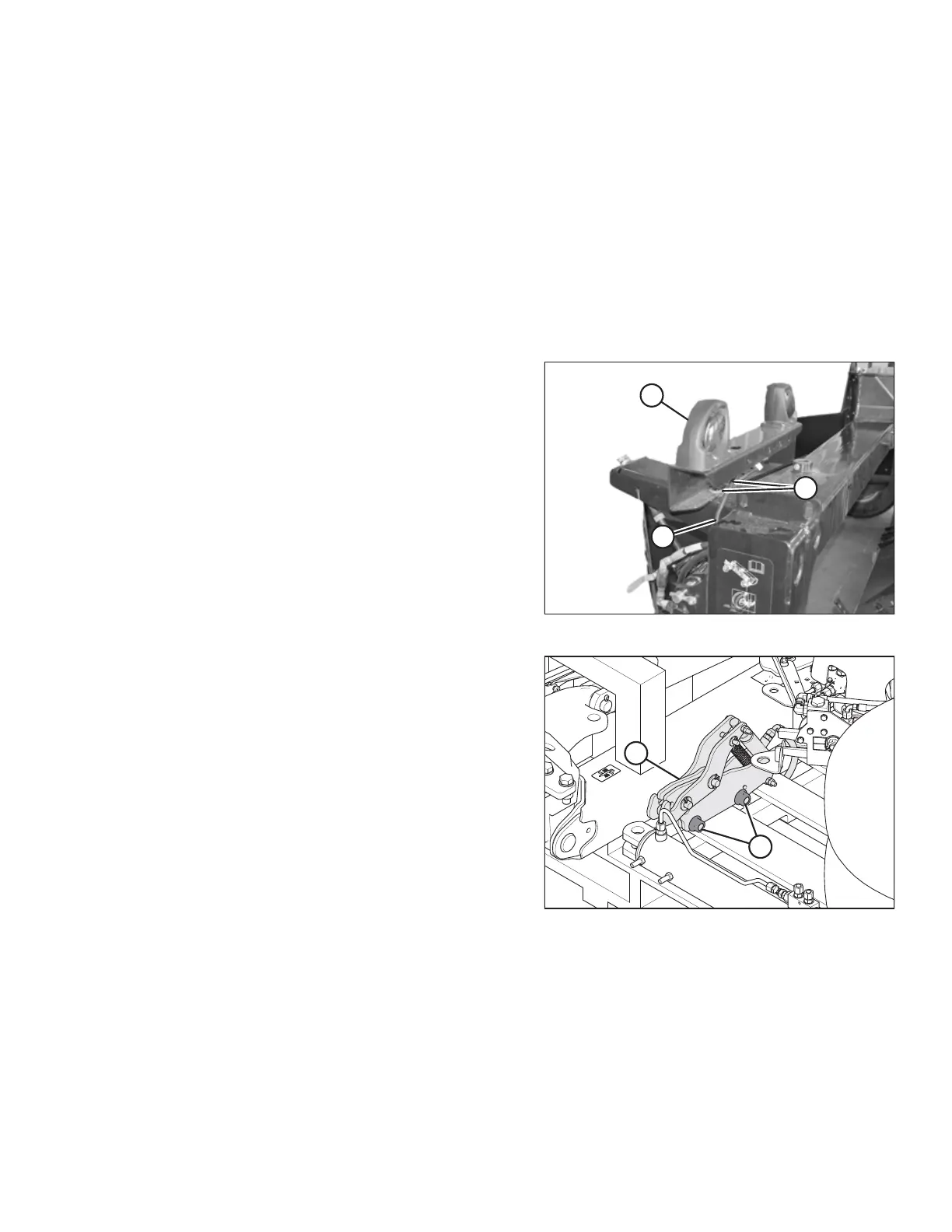
Figure 3.54: Latch Packing
4. On the transport pallet, remove the shipping banding
and packing material from latch assembly (A). Remove
the latch assembly.
5. Remove the two M20 mounting bolts, washers, and
nuts (B) from the latch assembly, and retain for
use later.
ASSEMBLING THE DISC MOWER (WITH OR WITHOUT THE DEALER-INSTALLED TRANSPORT)




 To Next Page