214713 78 Revision A
4.7 Removing Slow Moving Vehicle Sign (SMV) Covering
1026210
A
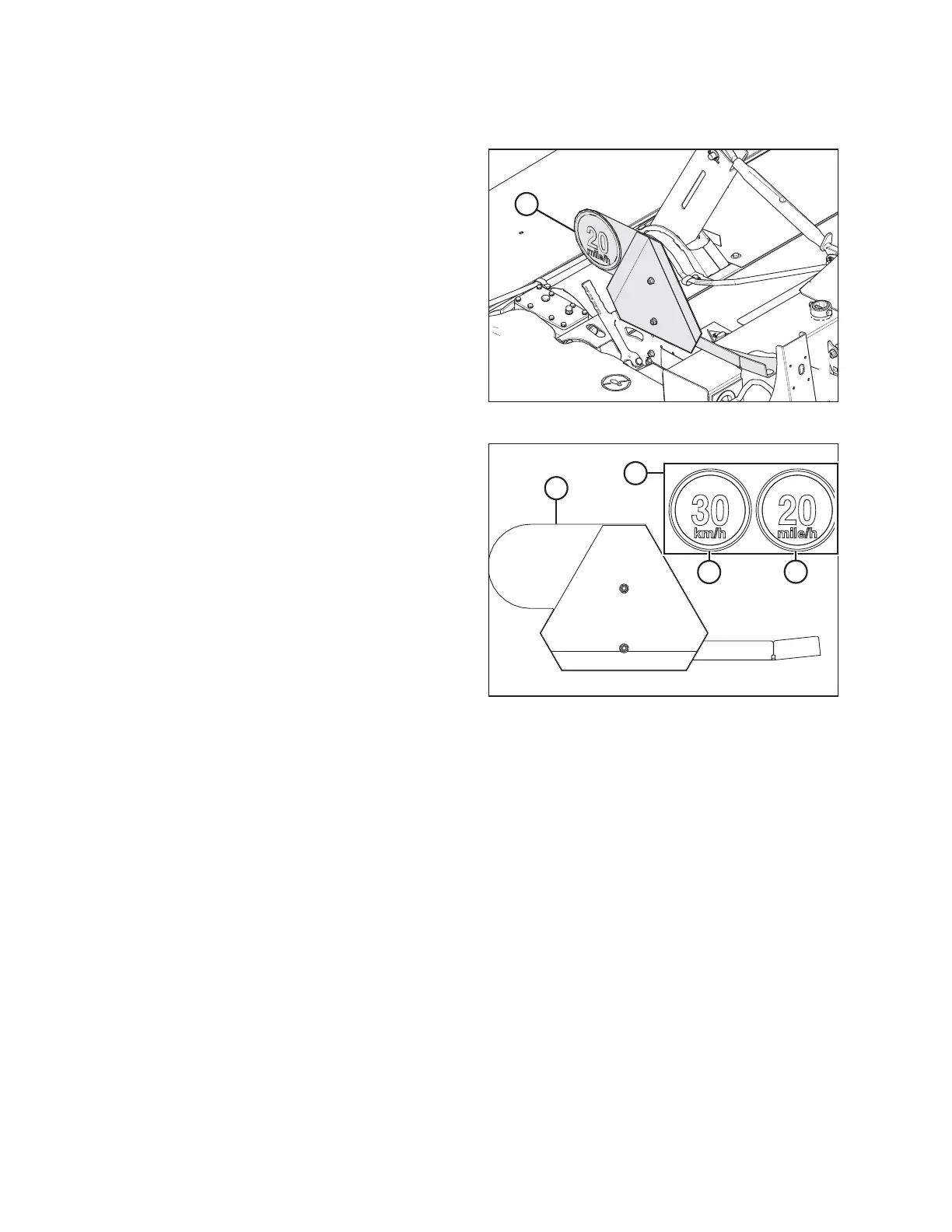
Figure 4.54: SMV Sign
1. Remove the covering from the SMV sign (A).
1026208
A
B
C
D
Figure 4.55: SMV Decals
2. Remove decal bag (B) taped to the SMV bracket (A).
3. Choose the appropriate speed decal (C) or (D)
depending on region. Orient decal as shown when
installing it on the SMV bracket.
ASSEMBLING THE DISC MOWER (FACTORY-INSTALLED TRANSPORT)





 To Next Page