Operation
123
5
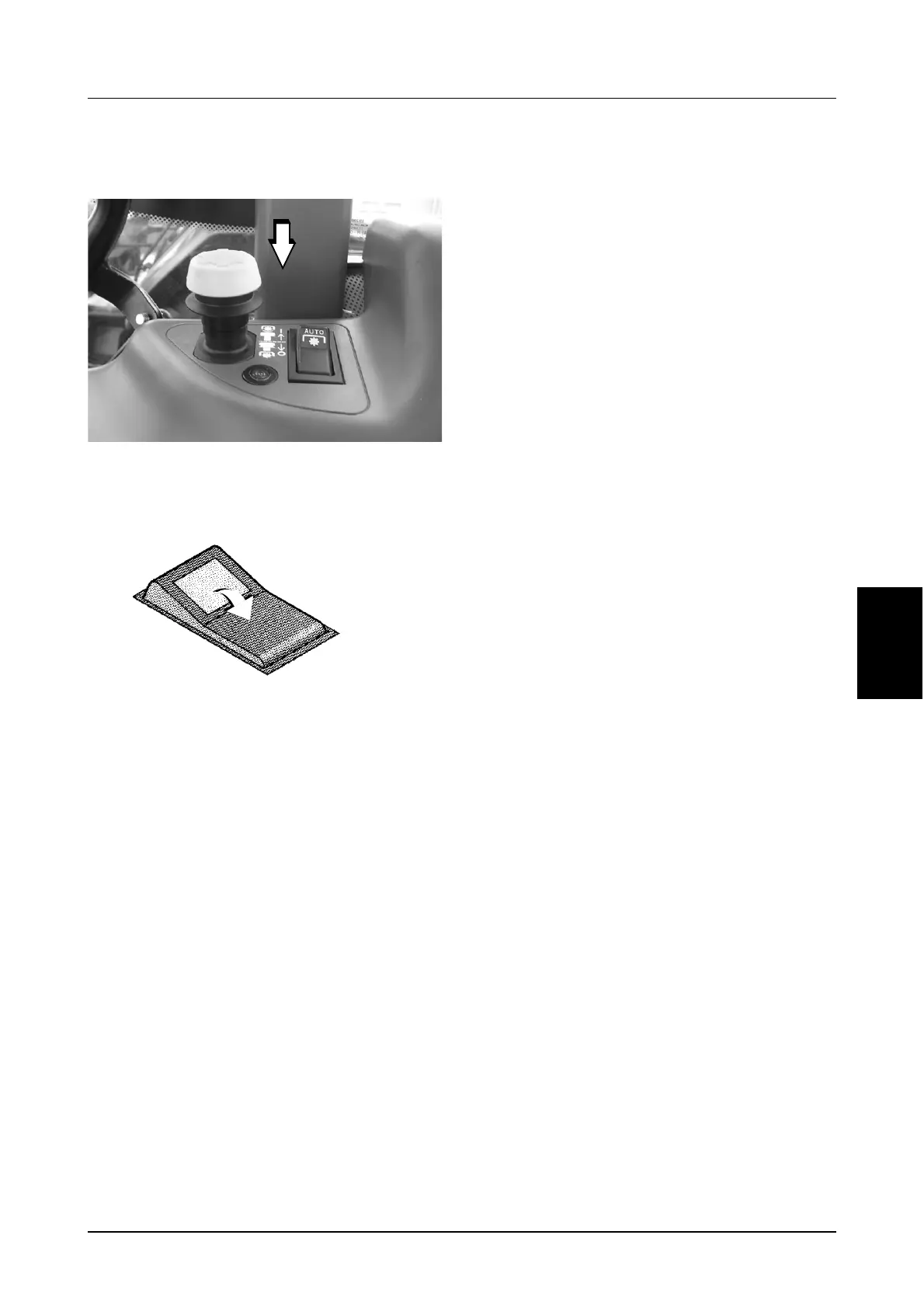
De-activating Auto PTO mode:
STEP 1
MD05M021
Disengage the PTO.
STEP 2
Move the Auto PTO switch to the OFF position. The
switch light will go out.
Auto PTO will Disable and the PTO will
Disengage when:
● The Auto PTO switch is moved to the OFF
position before disengaging the PTO.
● If the hitch position is between the ‘Auto’ PTO
OFF set-point and the Upper Limit Setting
and:
A.The hitch is not lowered within two minutes
or,
B.The tractor does not move for 10 seconds or,
C.Any remote hitch push button, (if equipped)
is pressed.
● If the Ride Control switch is in the On position
and Ride Control is enabled, by having the
UP/DOWN switch in the UP position, for more
than two minutes.
● If the operator is off the seat for more than 5
seconds.
● The hitch is not enabled (refer to Operators
Manual to enable hitch).
● Any remote PTO push button, (if equipped), is
pressed. (Unless the external PTO controls
are disabled).
If Auto PTO function is disabled for any of the
above reasons, the PTO will disengage, the PTO
indicator lamp on the right hand console will flash
and the Auto PTO switch lamp will go off. The
flashing lamp is to indicate that the PTO switch on
the right hand console is in the ON position but the
PTO is disengaged.
To enable the PTO system push the PTO ON/OFF
switch fully down to the OFF position, the PTO
indicator lamp will go off, then lift the locking collar
on the PTO ON/OFF switch and pull the switch up
to the ON position to re-engage the PTO. If the
Auto PTO switch is ON, Auto PTO is also enabled
and the lamp in the switch will illuminate.
OFF
DS98K26



 To Next Page