Instruments and Programming
66
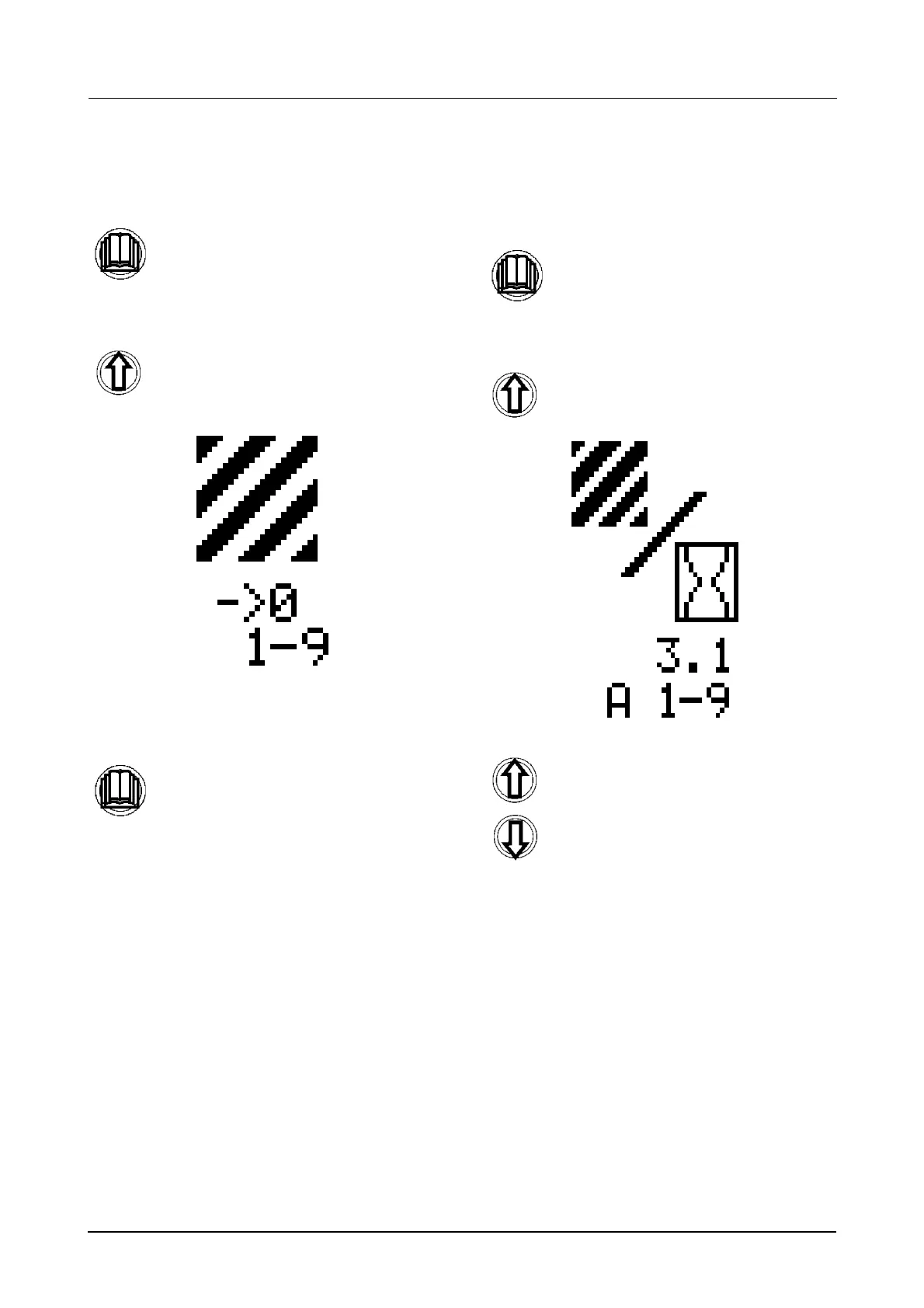
To reset the total area counter (to zero)
(Menu 1-5):
STEP 1
STEP 2
Once you have found the correct menu,
To view the total area per hour (of all
fields, up to a maximum of nine)
(Menu 1-6):
STEP 1
STEP 2
STEP 3
Momentarily press the menu button to
enter the sub menu.
Use the UP button to scroll through the
sub menus until the correct menu is
displayed, as shown below.
momentarily press the menu button to
reset the total area counter.
NOTE: When you reset the total area
counter each individual field counter
will also be reset and will return to
Menu 1-4.
Momentarily press the menu button to
enter the sub menu.
Use the UP button to scroll through the
sub menus until the correct menu is
displayed, as shown below.
Use the UP and Down buttons to scroll
through to the next sub menu.



 To Next Page