Instruments and Programming
67
4
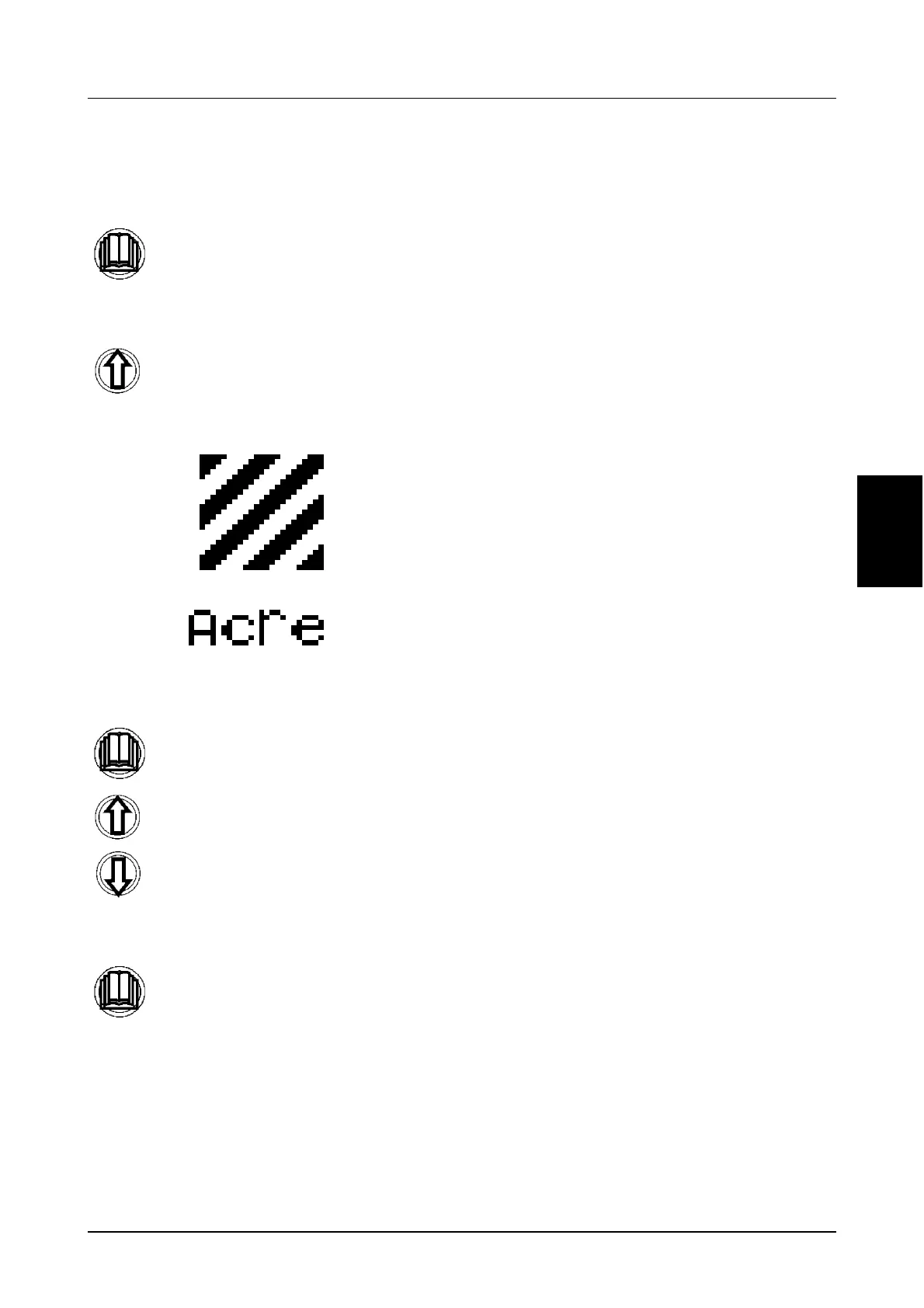
Programming hectares or acres
(Menu 1-7):
STEP 1
STEP 2
STEP 3
Momentarily press the menu button to
enter the sub menu.
Use the UP button to scroll through the
sub menus until the correct menu is
displayed, as shown below.
Momentarily press the menu button to
enter the sub menu.
Use the UP and Down buttons to
change the unit of measurement.
Momentarily press the menu button to
store the new setting and return to the
sub menu.
NOTE: If you hold the menu button
you will exit the programming mode.
1



 To Next Page