Instruments and Programming
68
Distance Function (Menu 2)
The distance function records and displays the
distance travelled.
Within the Distance menu there are three sub
menus, one to turn the distance function On/Off,
one to read current distance travelled and one to
read a accumulative distance travelled.
NOTE: The units for distance travelled is
automatically selected based upon the ground
speed units.
eg. If your cluster is programmed for mph, then
miles will be displayed. If your cluster is
programmed for km/h, then kilometers will be
displayed.
NOTE: You MUST first enter the main menu
before being able to view the sub menus, as
explained on Page 62.
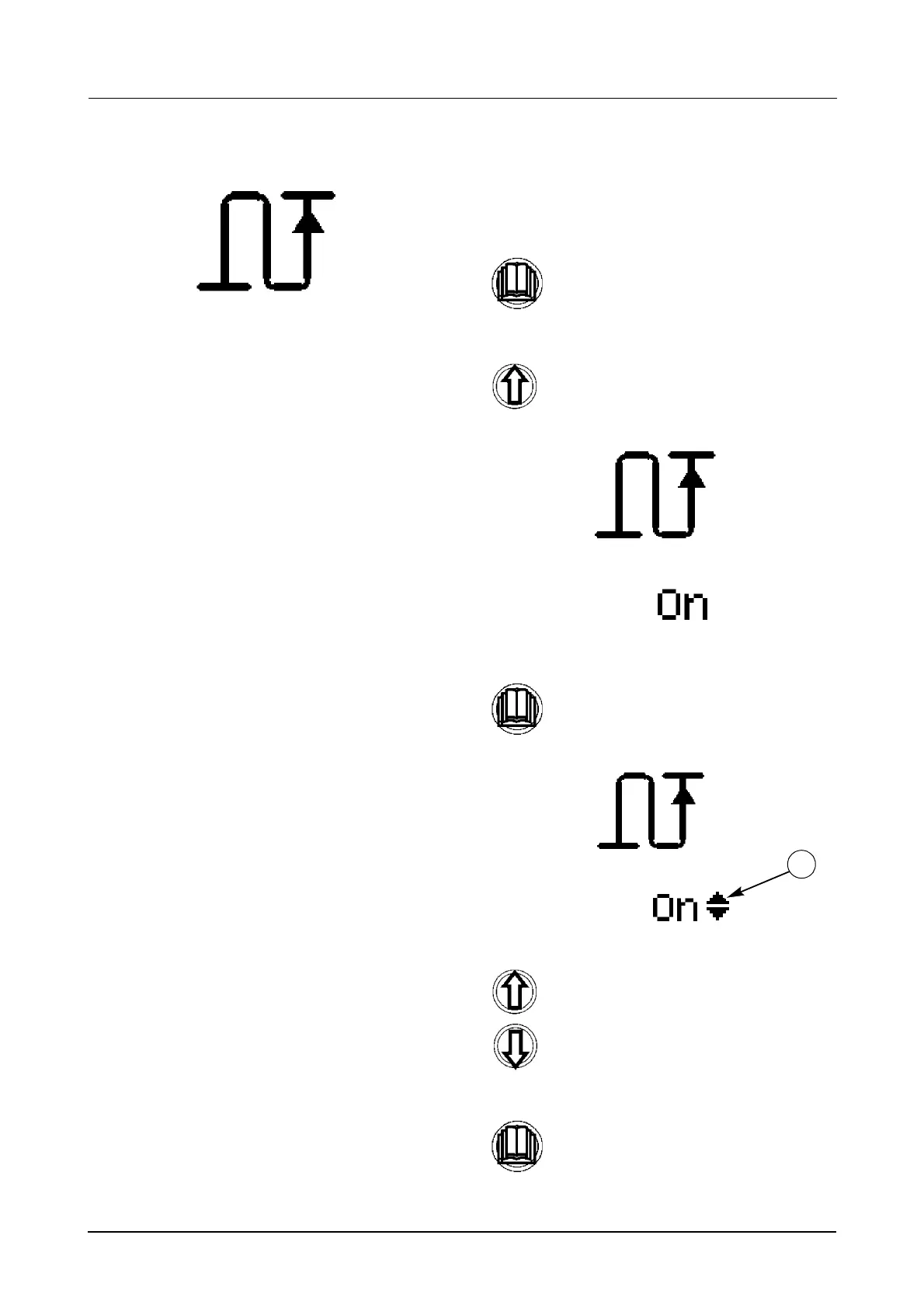
To start the distance function
(Menu 2-1):
STEP 1
STEP 2
Once you have found the correct menu,
STEP 3
STEP 4
Momentarily press the menu button to
enter the sub menu.
Use the UP button to scroll through the
sub menus until the correct menu is
displayed, as shown below.
momentarily press the menu button
again to enter the sub menu. The scroll
up/down symbol (1) will appear next to
the current status.
Use the UP and Down buttons to turn
the distance function ON or OFF.
Momentarily press the menu button to
store the new status and return to the
sub menu.
1



 To Next Page