Instruments and Programming
70
Cluster Hitch Position Display Calibration (Menu 4)
For the cluster to display an accurate hitch
position the hitch needs to be calibrated.
STEP 1
STEP 2
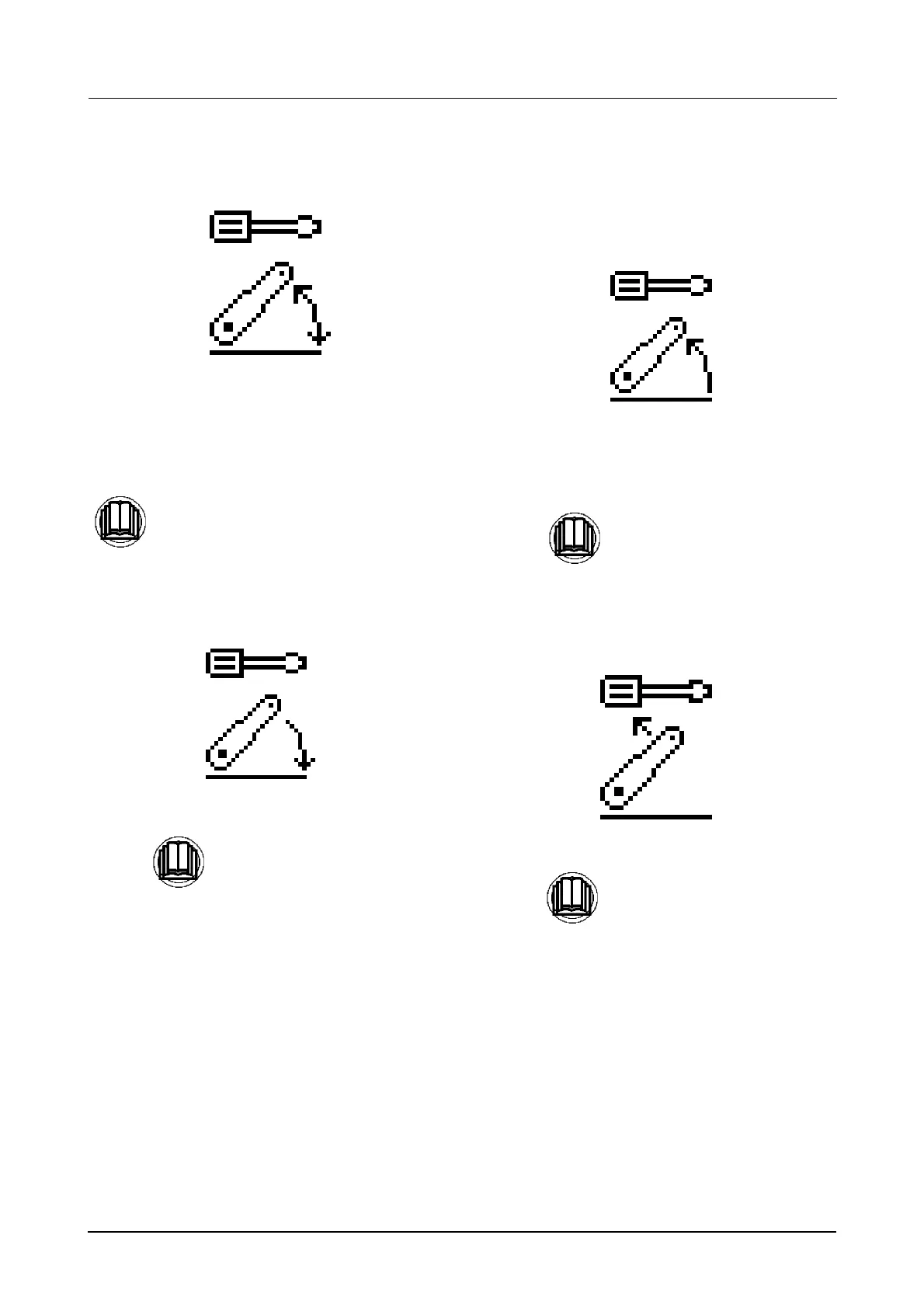
The ’lower the hitch’ icon will appear on the
display.
Lower the hitch to the bottom stop.
STEP 3
The’ raise the hitch’ icon will now appear on the
display.
Raise the hitch to the upper limit.
NOTE: Make sure the Upper Limit Control is
set to maximum (11) position.
STEP 4
The ’hitch override’ icon will appear on the
display.
Calibration is now completed.
Momentarily press the menu button to
enter the calibration mode.
Press
to store the lower hitch position.
Press
to store the upper hitch position.
Press
again and return to the main
menu.



 To Next Page