Instruments and Programming
71
4
Dynamic Calibration (Menu 5)
Prior to entering the Dynamic Calibration
Mode:
STEP 1
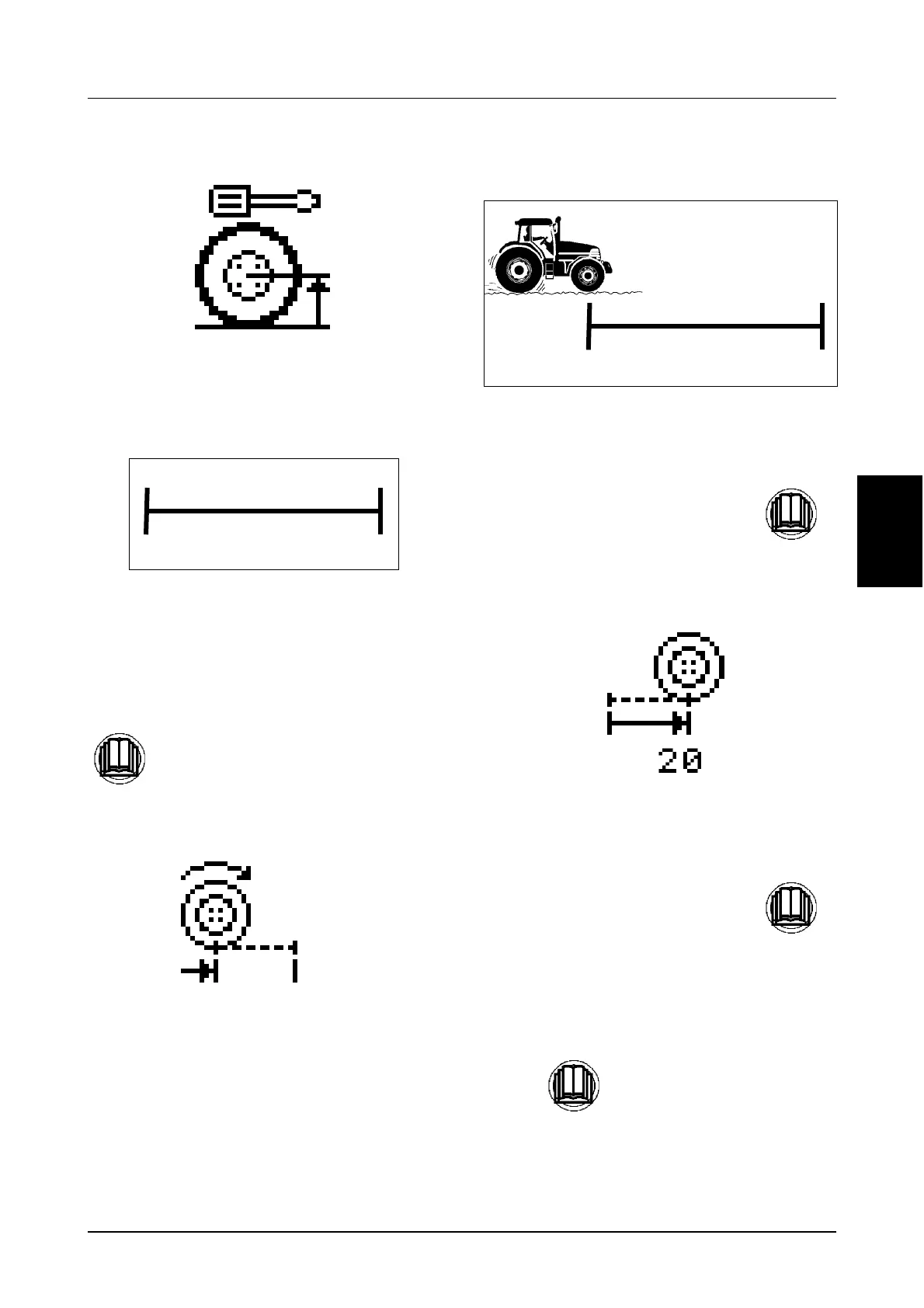
Mark off a straight line distance of 60 metres
(197 ft). Use an acceptable method to mark the
start line and finish line.
To enter the Dynamic Calibration Mode:
STEP 2
The cluster will prompt you to drive the tractor to
the start line by displaying the following icon.
STEP 3
DI96J517
Start the tractor and drive SLOWLY toward the
start line.
The number of pulses displayed on the cluster will
start to increase and the following icon will be
displayed.
STEP 4
The number of pulses displayed will be stored
automatically into the cluster.
Calibration is now completed.
Momentarily press the menu button to
enter the calibration mode.
60 METRES
START FINISH
197 FEET
When the tractor reaches the start line,
momentarily press the UP button.
When the tractor reaches the finish
line, momentarily press the UP button.
Press to return to the main menu.
60 METRES
START FINIS
197 FEET



 To Next Page