Operator Maintenance 117
_______________________________________________________________________________________________
________________________________________________________________________________________________
MICROPLEX Operator’s Manual SOLID F90 HD Edition 1.0
7.4. Main Charger Replacing
After having printed 424,000 pages A4 (portrait Two-U
p) the main
charger has to be replaced.
Turn off the printer and pull the power plug before start working at the
chargers.
1. Open the front cover of the printer.
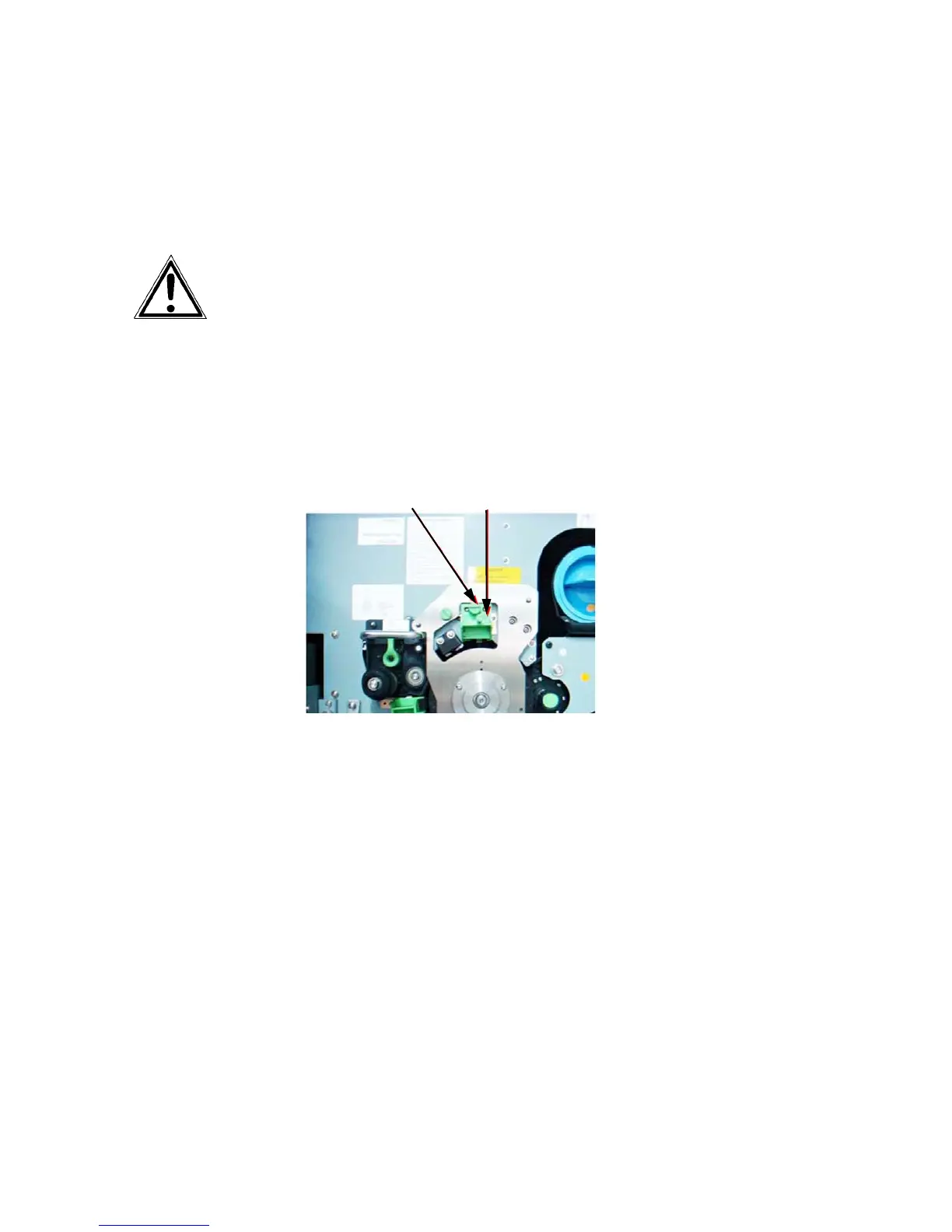
2. Turn the knurled screw of the main charger to loosen it and pull
the main charger out towards you.
Knurled screw Main charger
3. Replace the new main charger in its original position and
fasten up the knurled screw to secure the charger.
4. Close the printer’s front cover.



 To Next Page