22 Handling of Consumables
_______________________________________________________________________________________________
_______________________________________________________________________________________________
MICROPLEX Operator’s Manual SOLID F90 HD Edition 1.0
Tractor
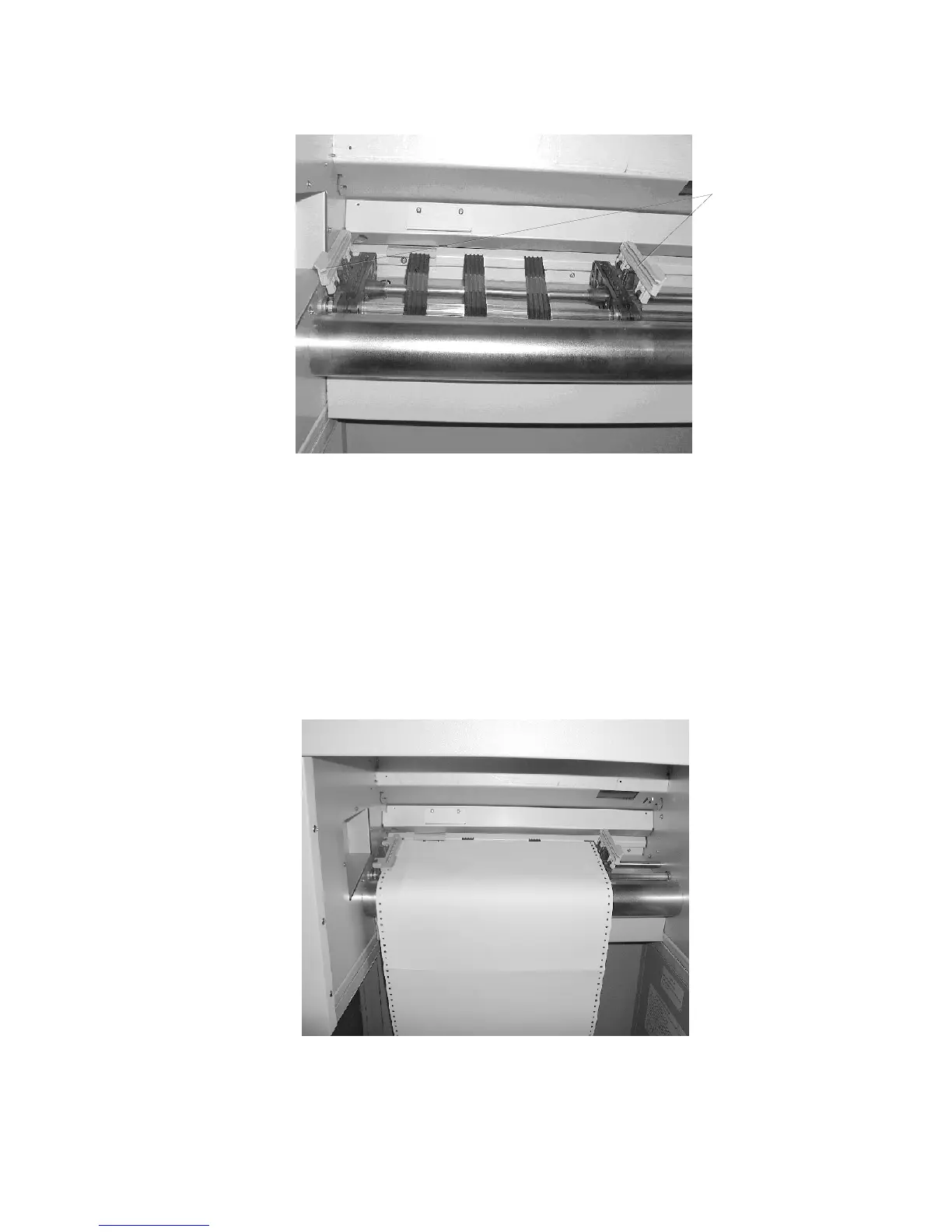
cover plates
#
$
7. Place the paper on the tractor pins on the left side. The paper
perforation should be aligned over 4 or 5 tractor pins.
Close the left tractor cover plate.
8. Spread out the tractor so that the sprocket holes on the right
side of the continuous paper can be placed easily onto the
tractor pins.
%



 To Next Page