42 Operation and Menu Structure
_______________________________________________________________________________________________
________________________________________________________________________________________________
MICROPLEX Operator’s Manual SOLID F90 HD Edition 1.0
4.7. Syntax of Diagrams
Key A
Key C
Key B
["Message"]
The control panel functions will be described using diagrams.
These diagrams show the course necessary in order to activate
a certain function.
First the elements of the diagrams
are explained:
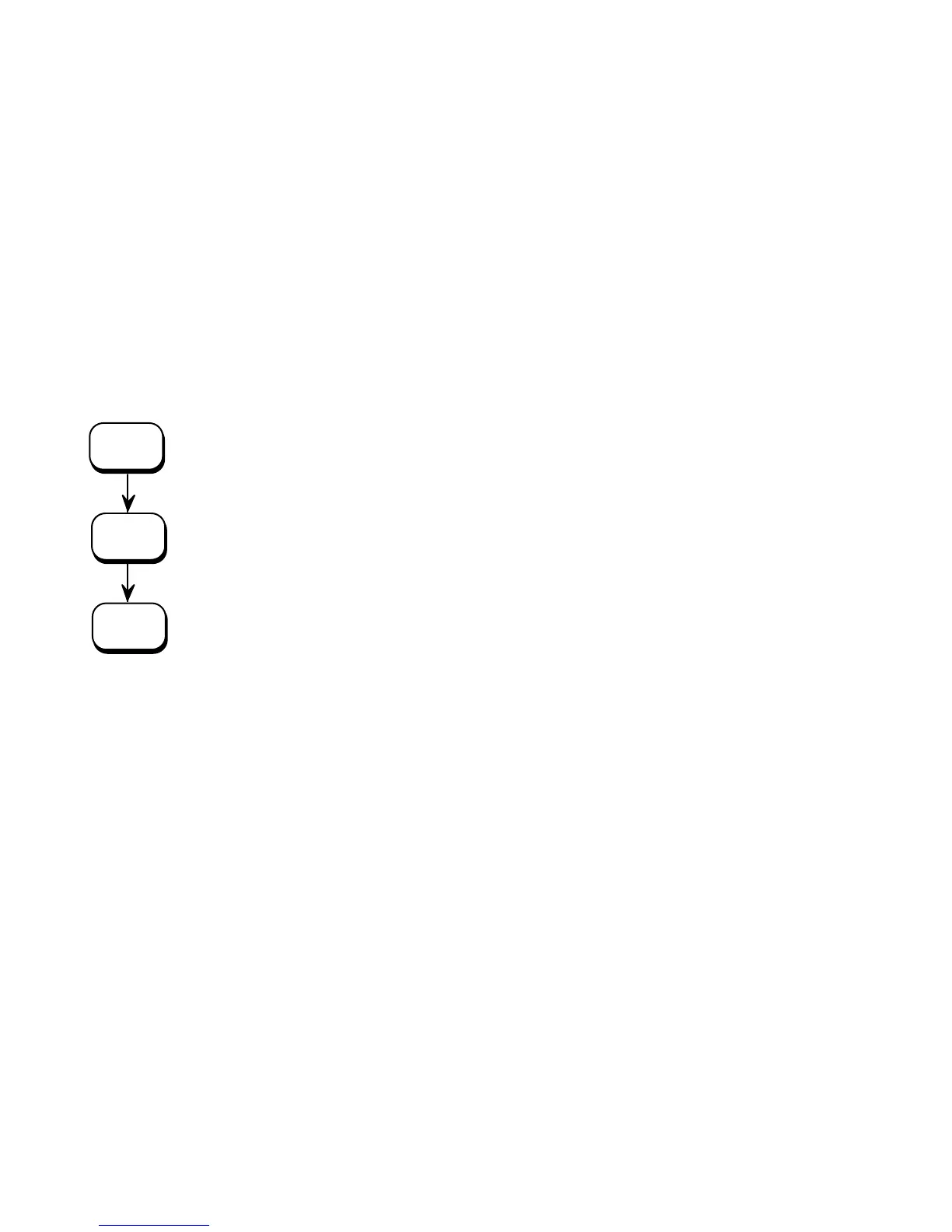
The sequence on the left describes which keys have to be
pressed briefly in succession.
In this example key A has to be pressed first. Then key A is
released and key B has to be pressed. Then key B has to be
released and key C has to be pressed.
The
″Panel display″ column shows the display messages
corresponding to the sequences listed on the left.
In the column
″Notes″ explanations to particular operational
steps are given.



 To Next Page