122 Operator Maintenance
_______________________________________________________________________________________________
________________________________________________________________________________________________
MICROPLEX Operator’s Manual SOLID F90 HD Edition 1.0
7.7. Photoreceptor Drum Exchange
!
After having printed a maximum of 424,000 pages A4 (portrait
Two-Up) the photoreceptor drum has to be exchanged.
1. Turn off the printer and pull the power plug before start working.
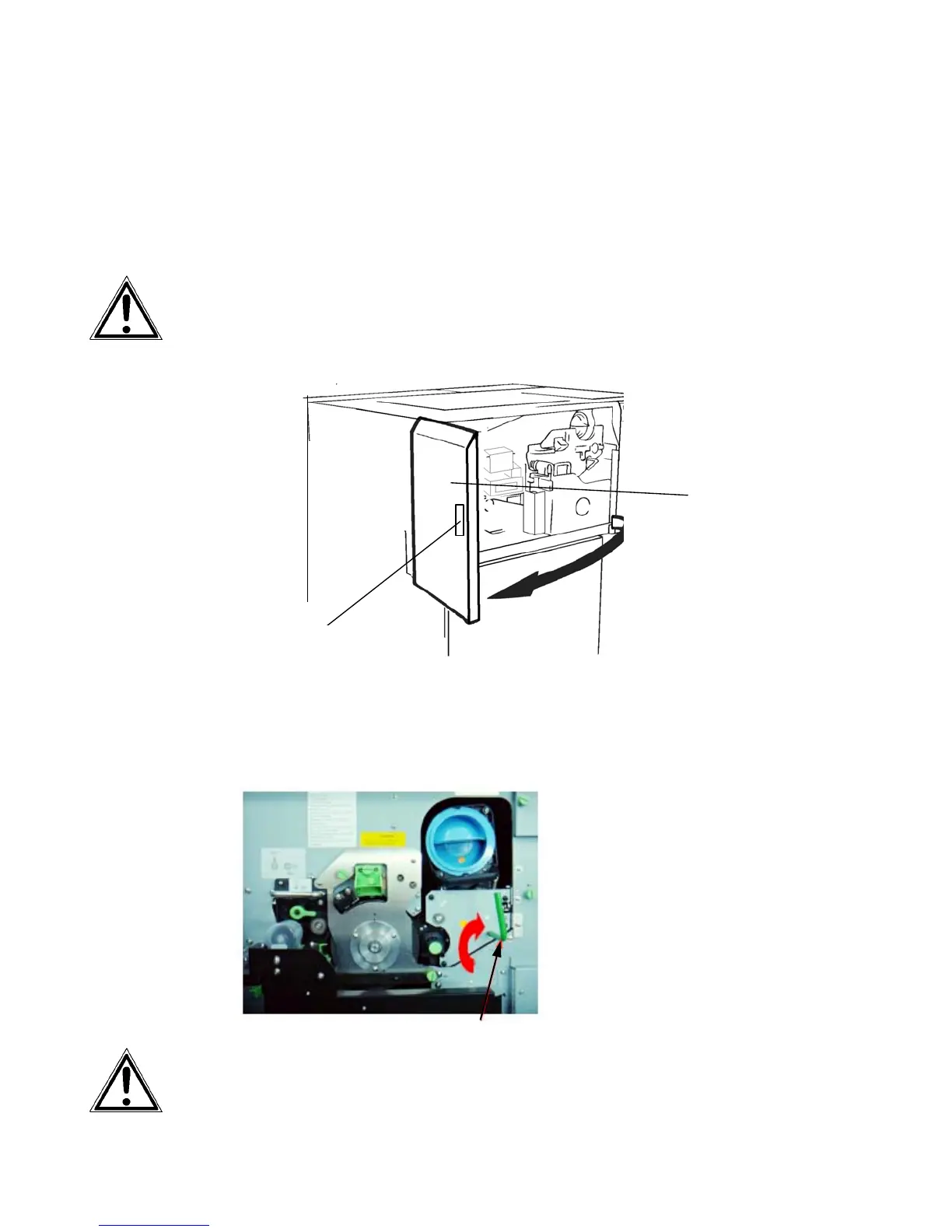
2. Open the front cover of the printer.
Handhold
Fron
cover
3. Turn the lever of the developer unit clockwise until it points
up. The developer unit wi
ll be separated f
rom the photo-
receptor drum by this operation.
Lever
Pay attention to a correct performance of this operation to avoid
damaging the photoreceptor drum in the following steps.



 To Next Page