Troubleshooting 145
_______________________________________________________________________________________________
________________________________________________________________________________________________
MICROPLEX Operator’s Manual SOLID F90 HD Edition 1.0
8.3.3. Paper Jam within the Power Stacker
!
There are different kind of troubles possible within the power stacker (see
section 8.2.1: Further Error Messages and Error Codes, too). Frequently the
folding of the paper has not worked right and so a paper jam might result.
Press the table down switch to lower the paper table. Then shift the paper
table up to remove the flaw.
Sometimes it is also necessary to remove the paper from the stacker or
refinish the folding at the perforation and file the paper by hand.
This error described above is displayed by the message
[Stacking Fail! ]
[E0055 ]
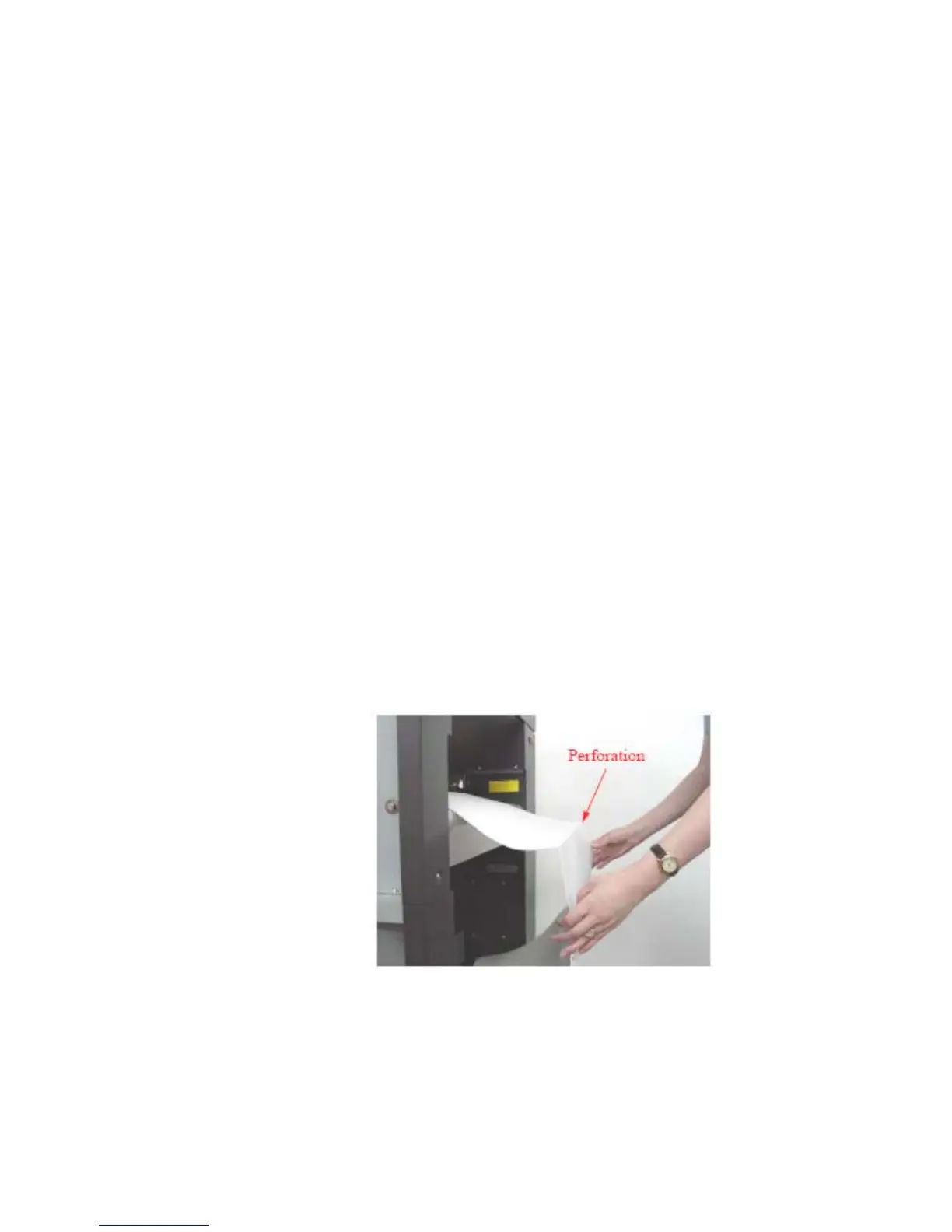
To avoid paper jams the first folded edge of the fanfold paper (Perforation)
has to point away from the printer. (If need be, please tear off the first page
of your fanfold paper to allow the alignment shown in the following figure.)
In addition do not stretch the paper excessively and do not allow any slack
to avoid incorrect filing.
By this you can secure that the paper will be positioned right in the stacker.
Preview: Fanfold paper loaded in the righr way
Please inform your service engineer if there are any troubles different from
the one above.



 To Next Page