38 Operation and Menu Structure
_______________________________________________________________________________________________
________________________________________________________________________________________________
MICROPLEX Operator’s Manual SOLID F90 HD Edition 1.0
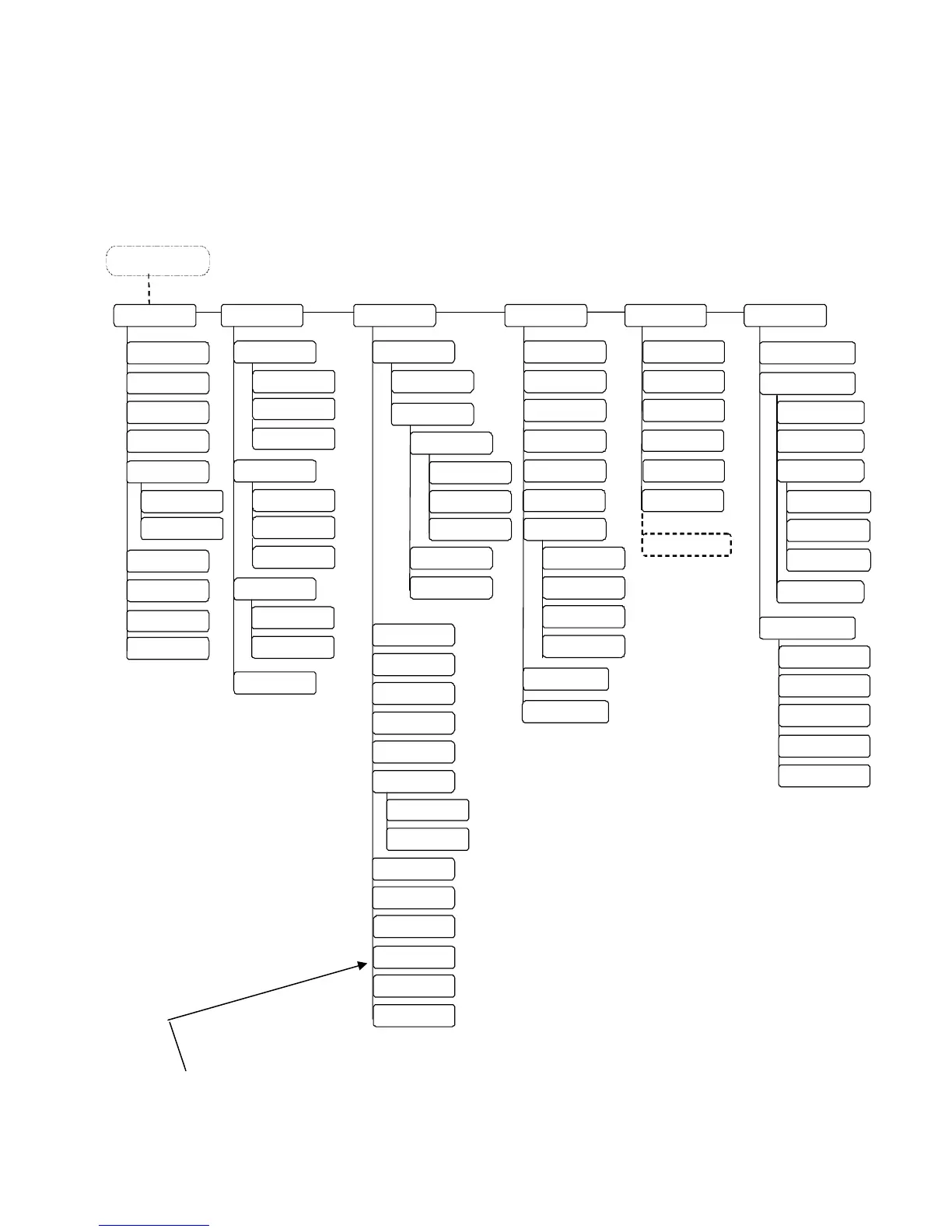
4.6. Menu Structure
Access to the menu structure is possible as soon as the printer is turned OFF
LINE. The SOLID F90 HD menu structure is arranged in different levels:
Menu L evel 1
Status Sheet
Hexdump
Normal Pr in
/FF
Cancel Job
Menu Pa ge
Sliding Pattern
Buffe
Dump
Paper Menu
Page Length
in mm
Two-Up Mode
Configur ati o
Interface
SIA Timeout
RS 232
RS 232 Protocol
RTS/CTS
XON/XOFF
Baudrate
RS 232 Fm.
Emulation
Language
Input Buffe
Transparent Code
Config. Word
User Config.
Selec
Define
Factory Default
Page Menu
Font Numbe
Orientati on
Mar gi n
Left
from Righ
Top
from Botto
Engine
Di rection
Print Direction
X
Direction
PCL
Off set
ON LINE - Mode
OFF LINE
in inch
Line Spacing
Symbol Code
Key lock
ime Setting
Date Setting
Char. Spacing
Network
Font Lis
Extended Menu
in 1/300 inch
Paper Width
in mm
in inch
in 1/300 inch
None
Service Mo
e
RFM
Line Termination
Resolution
Image X
Pos.
Image
Pos.
Format Check
Last Error
DHC
Man
al
Off
IP Ad
res
Subnet mask
Gateway
IP Assign
10MB HalfDuple
10MB FullDuple
Au t on e got i at i on
Dupl ex/S peed
100MB HalfDuplex
100MB FullDuple
Nu mbe r Of Co pi es
File Management
Prin
Files
Directory
Print Density
Timeout
Persistant DHCP
This panel function allows the user to choose a reduced menu instead of
the extended menu shown above.



 To Next Page