88 Printer Cleaning
_______________________________________________________________________________________________
________________________________________________________________________________________________
MICROPLEX Operator’s Manual SOLID F90 HD Edition 1.0
6.2. Cleaning the Transport Unit
1.
Turn off the SOLID F90 HD printer and pull the power
plug. Make sure, the printer has been switched off for at
least 15 minutes before you start cleaning the device.
2. Open the front cover of the printer.
3. Open the waste toner unit (compare previous section).
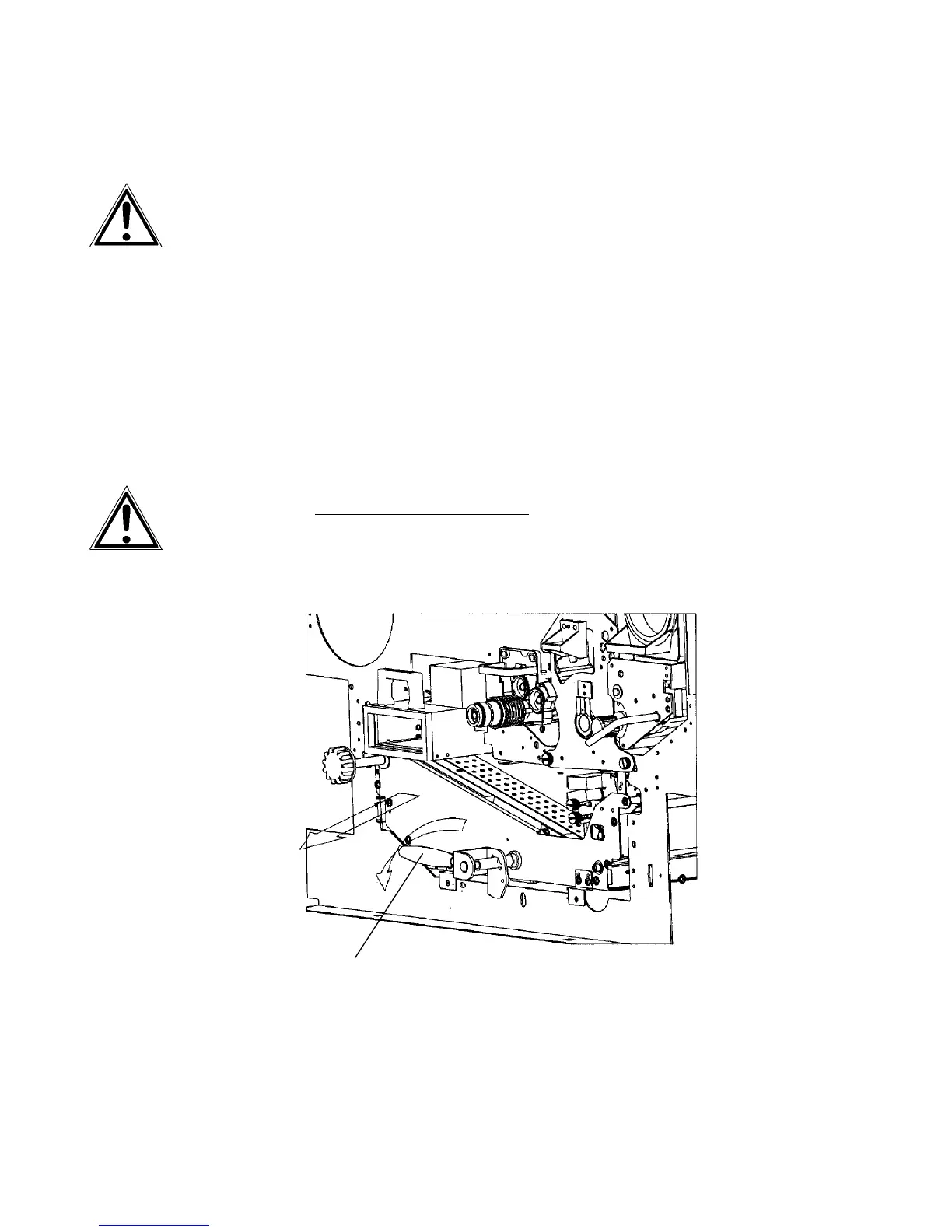
4. Press down the green lever of the transport unit. The
transport path is set down by that.
5. Press down the lever while pulling the transport unit
towards you to avoid damag
ing the printer. Pull the unit
until it stops.
Green lever



 To Next Page