28 Handling of Consumables
_______________________________________________________________________________________________
_______________________________________________________________________________________________
MICROPLEX Operator’s Manual SOLID F90 HD Edition 1.0
3.3. Replacing the Waste Toner Bottle
!
Replace the waste toner bottle when the announcement [TONER
WASTE!] occurs. On average, the bottle will be filled after
100,000 A4 pages have been printed.
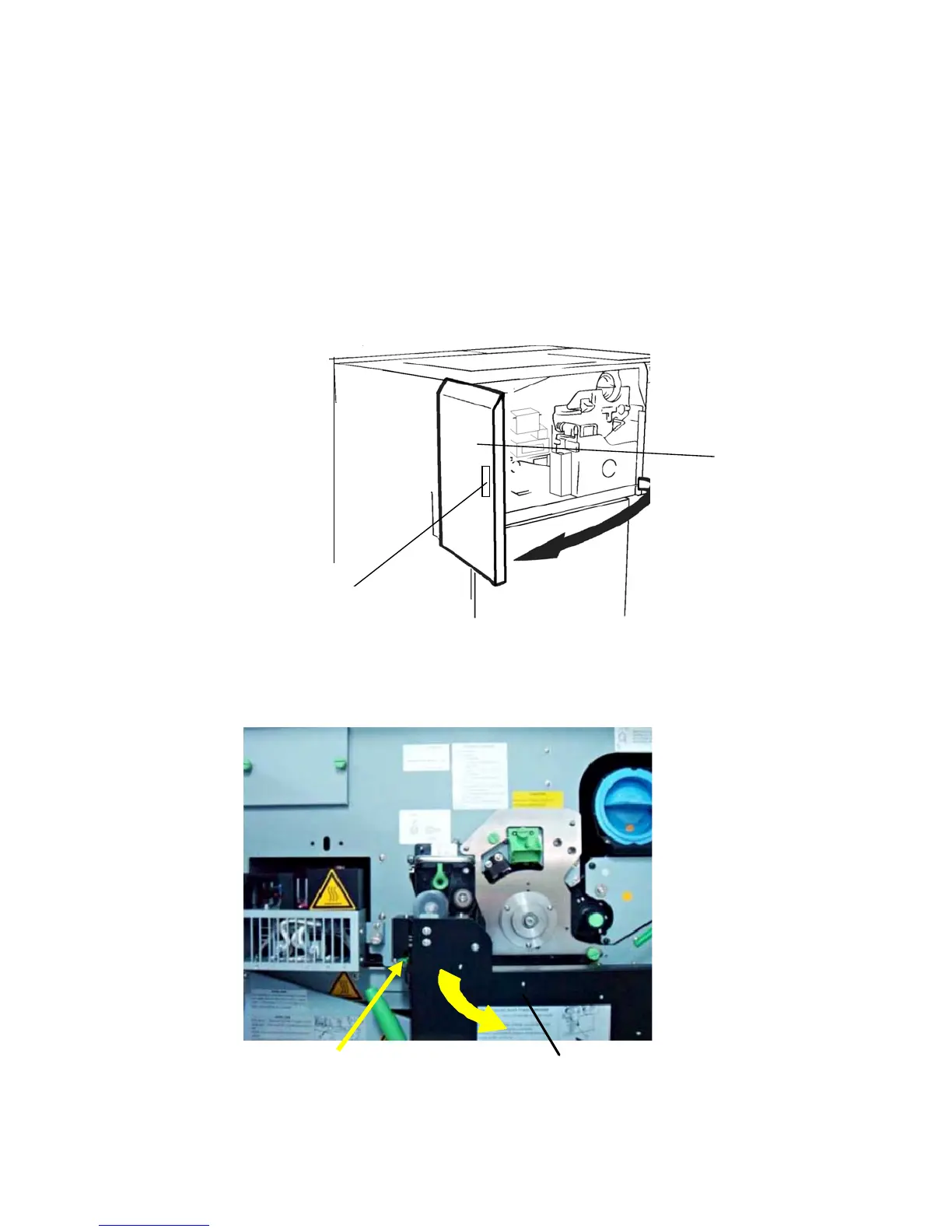
1. Open the front cover of the printer.
Handhold
Fron
cover
2. Press down the open lever of the waste toner recovery unit
and open the unit.
Waste toner recovery unit
Open lever (green)



 To Next Page