140 Troubleshooting
_______________________________________________________________________________________________
________________________________________________________________________________________________
MICROPLEX Operator’s Manual SOLID F90 HD Edition 1.0
8.3.2. Paper Jam inside the Print System
The components of the fuser unit and the transport unit can get hot.
Please wait until they have cooled down.
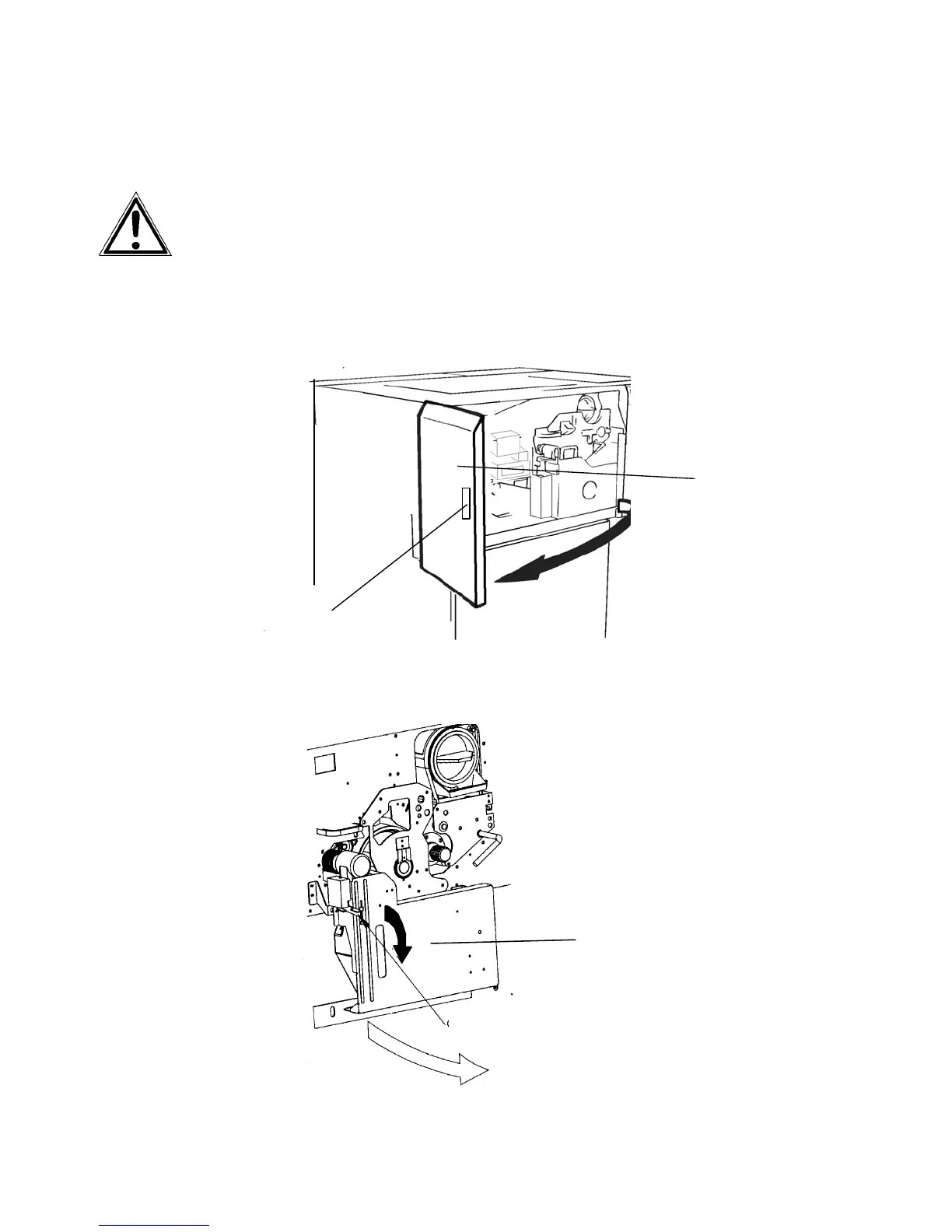
1. Open the front cover of the printer.
For this procedure the paper transport should be
finished for at least 15 seconds.
Handle
Fron
cover
2. Press down the open lever of the waste toner recovery
unit and open the unit.
Waste toner
recovery unit
Open lever (green)



 To Next Page