Handling of Consumables 25
_______________________________________________________________________________________________
_______________________________________________________________________________________________
MICROPLEX Operator’s Manual SOLID F90 HD Edition 1.0
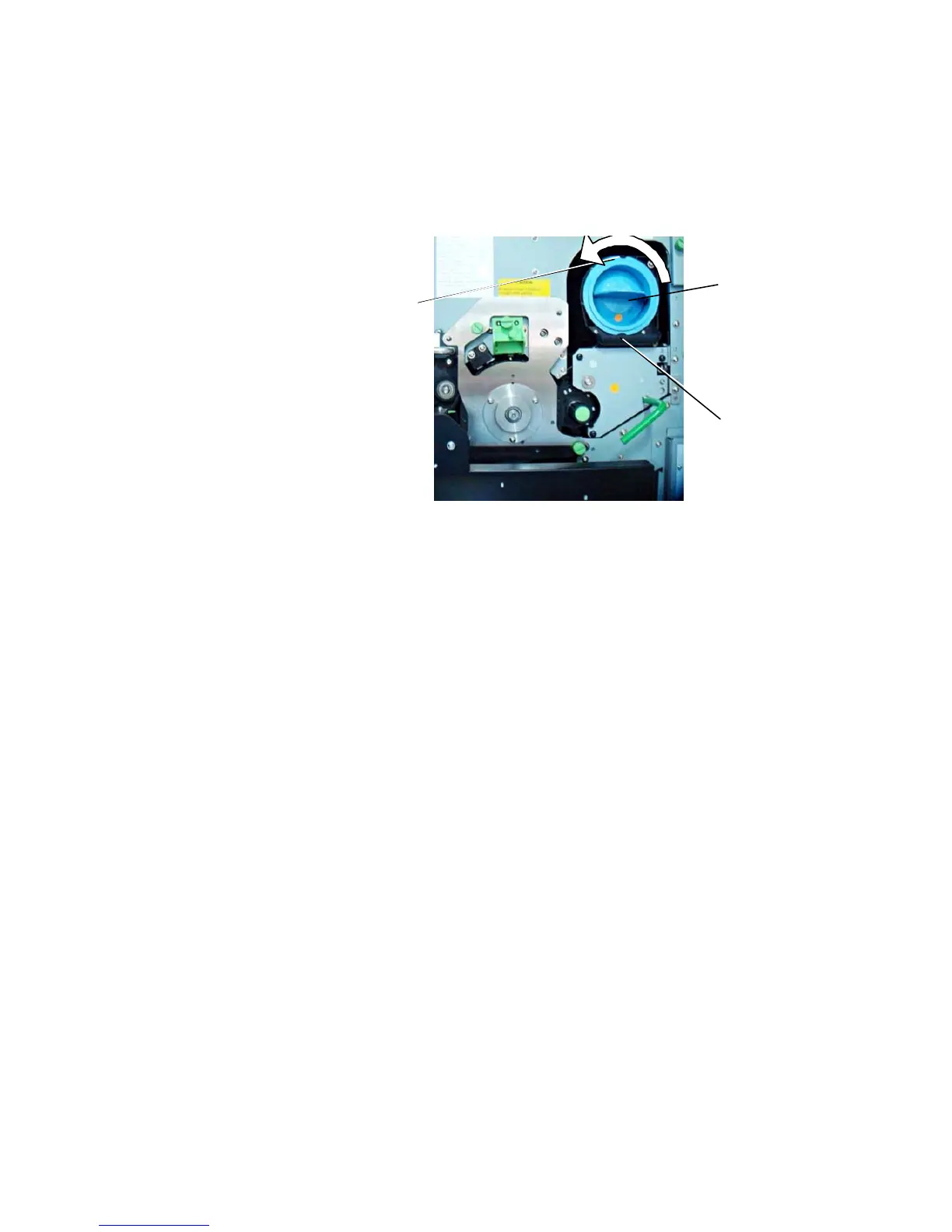
2. Rotate the used toner cartridge 180° counterclockwise
until it stops. Pull out the cartridge.
Pin
Toner cartridg
Slit
!
3. Take the new toner cartridge out of the packing. Use the
vinyl bag to pack the old cartridge.
On the occasion of every toner cartridge replacing the
necessity of cleaning the developer unit has to be checked.
Cleaning the developer unit has to be done in due time to
avoid reduced print quality (see section 7.2).



 To Next Page