26 Handling of Consumables
_______________________________________________________________________________________________
_______________________________________________________________________________________________
MICROPLEX Operator’s Manual SOLID F90 HD Edition 1.0
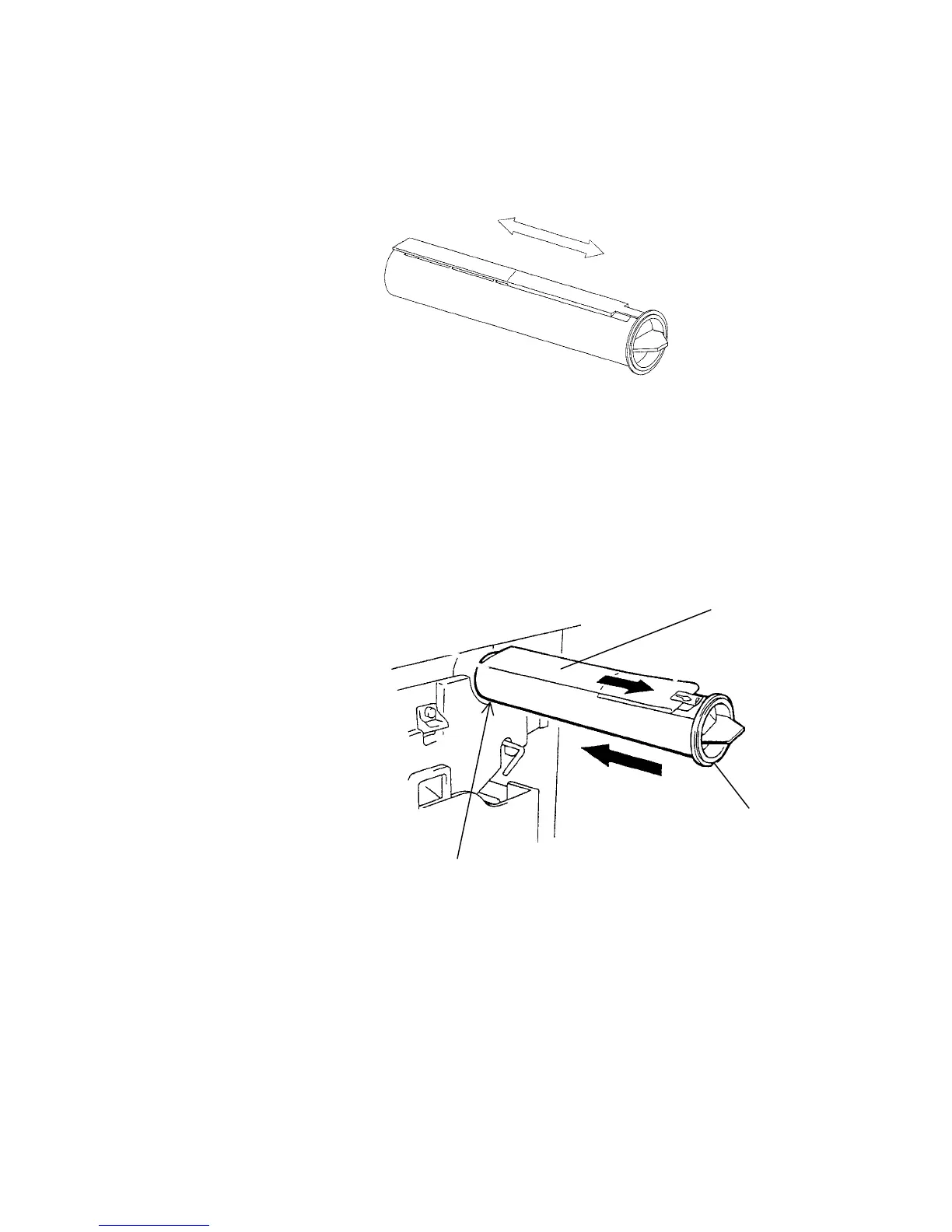
4. Shake the new cartridge gently by performing horizontal
movements to distribute the toner.
5.
Put the end of the new cartridge into the SOLID F90 HD
toner hopper with the adhesive tape facing up, and slowly
strip off the tape from the front to the back. Slide the
cartridge gently into the device in one operation.
Adhesive
tape
Pin
Slit



 To Next Page