86 Printer Cleaning
_______________________________________________________________________________________________
________________________________________________________________________________________________
MICROPLEX Operator’s Manual SOLID F90 HD Edition 1.0
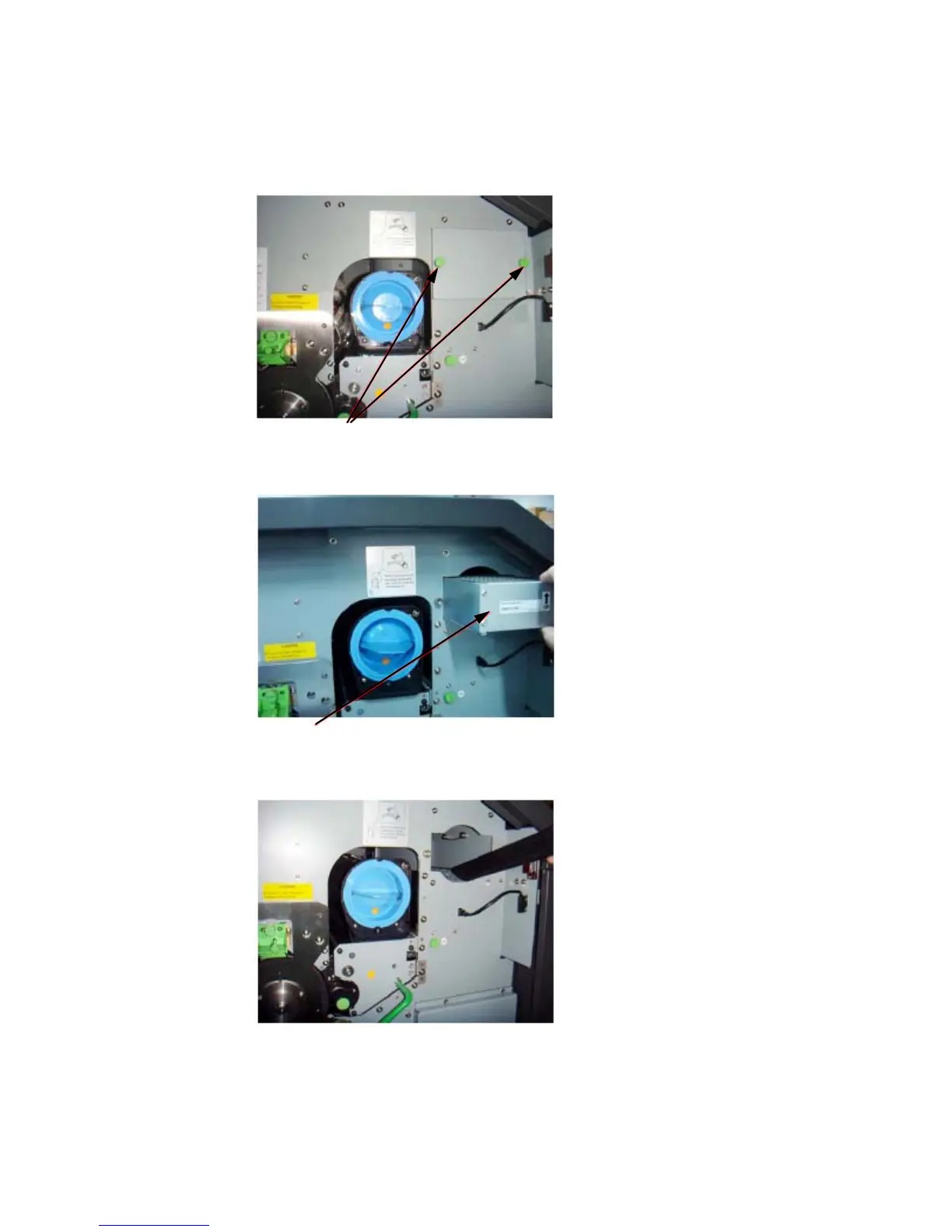
7. Loosen the knurled screws (see figure below) and then remove the
dust filter cover.
Knurled screws
8. Pull out the dust filter.
Dust filter
9. Use an anti-static service vacuum cleaner to clean the dust filter area.
10. Insert a new dust filter and reassemble the cover using the two
k
n
urled screws.



 To Next Page