Panel Functions 53
_______________________________________________________________________________________________
________________________________________________________________________________________________
MICROPLEX Operator’s Manual SOLID F90 HD Edition 1.0
ON LINE
SAVE
SAVE
ON LINE
Panel display
[SOLID F90 HD ]
[Menu Level 1 ]
[Status Sheet
]
( ( (
[Sliding Pattern
]
[Sliding Pattern ]
Notes
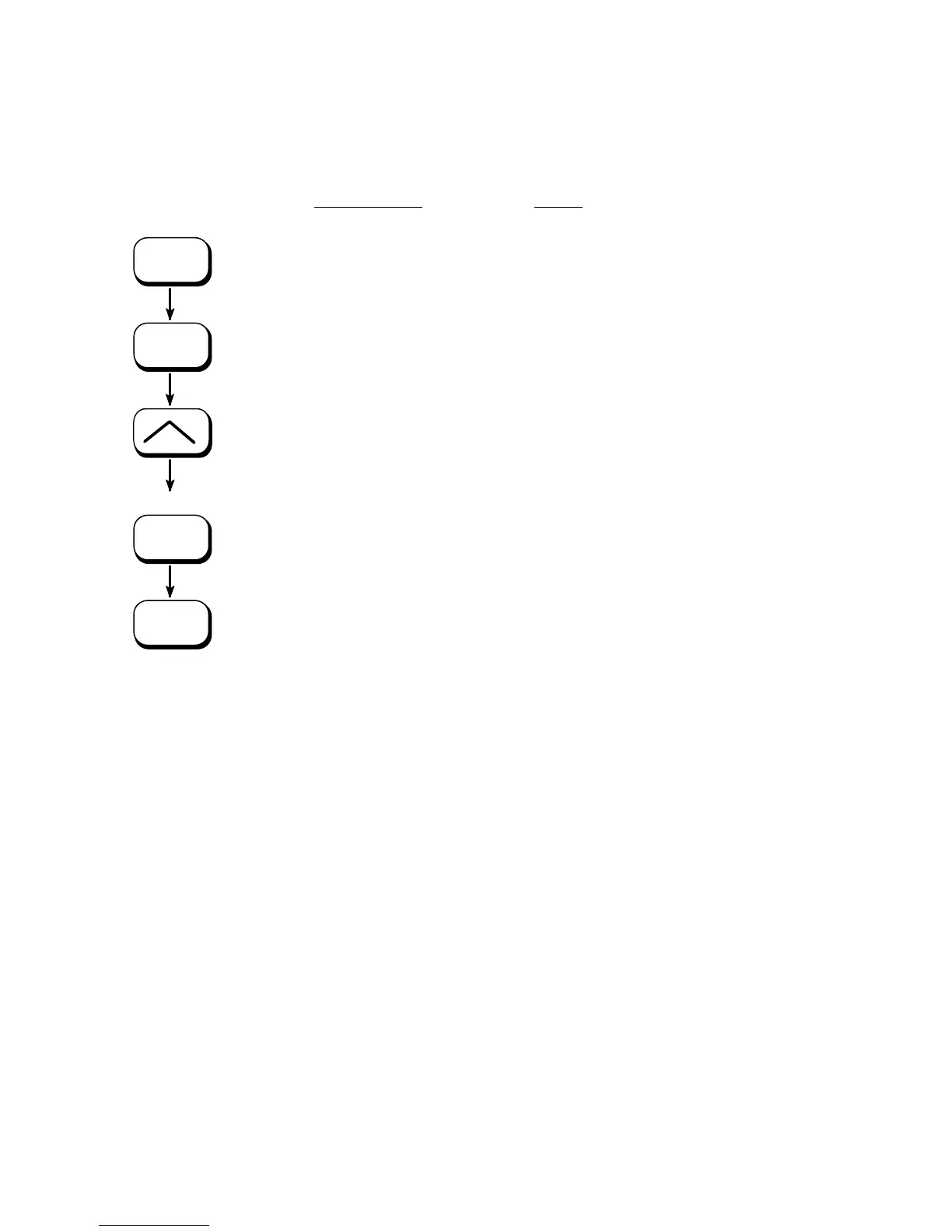
Turn the printer OFF LINE with this
key.
Menu level 1 is selected.
Press one of the ARROW keys until
[Sliding Pattern ] is displayed.
A series of test prints is generated.
The printer is turned ON LINE
again.
!
The printing out of test prints can be stopped by pushing the
ON LINE k
ey.



 To Next Page