92 Printer Cleaning
_______________________________________________________________________________________________
________________________________________________________________________________________________
MICROPLEX Operator’s Manual SOLID F90 HD Edition 1.0
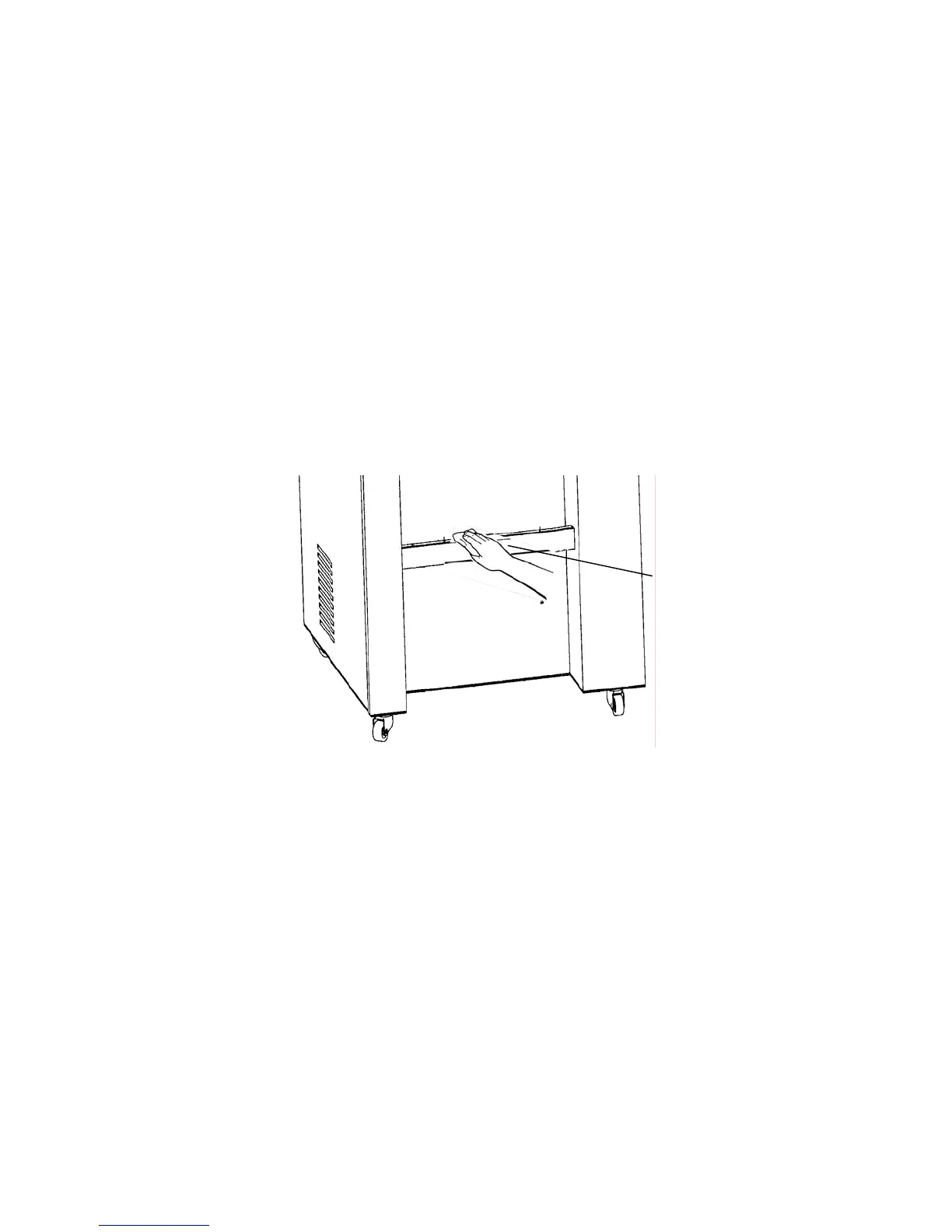
6.4. Cleaning the Paper Near End Sensor
!
After 300,000 pages A4 have been printed, the Paper Near
End Sensor (PNES) and the area around it should be cleaned
carefully.
1.
Turn off the SOLID F90 HD printer and pull the power plug.
2. Clean the PNES and the area around using a wet paper
towel.
Gear of the
paper near end
sensor



 To Next Page