Operator Maintenance 121
_______________________________________________________________________________________________
________________________________________________________________________________________________
MICROPLEX Operator’s Manual SOLID F90 HD Edition 1.0
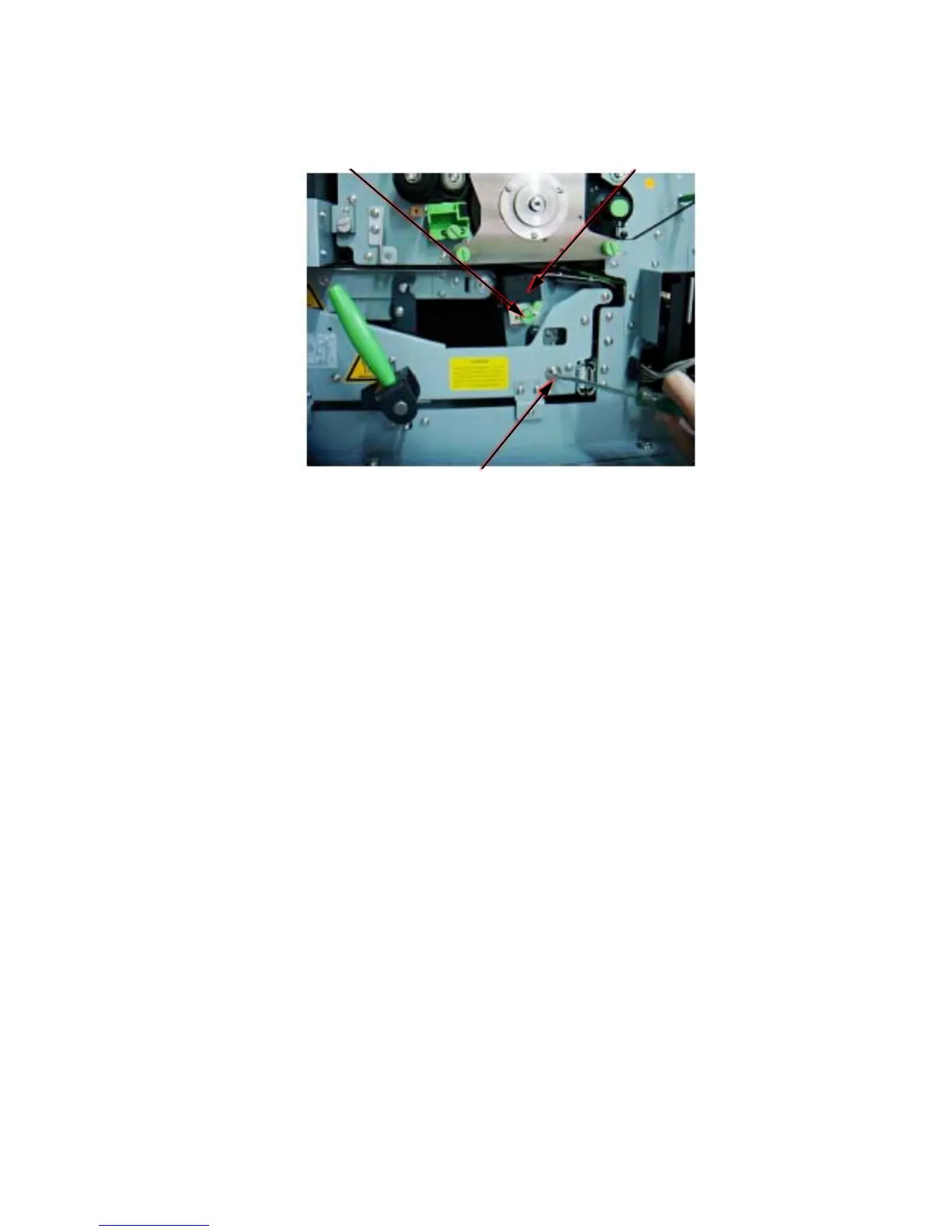
Knurled screw Transfer charger
Transfer elevator drive shaft + screwdriver
!
3. Turn to loosen the knurled screw of the transfer-/separator charg
er
and pull the transfer-/separator charger out towards you.
4. Replace the new transfer-/separ
ator charg
e
r in its original
position and fasten up the knurled screw to secure the charger.
5. Close the waste toner recovery unit.
Make sure the bar has engaged.
6. Close the printer’s front cover.



 To Next Page