EFA-200/-300 4 Control and display elements
4-3
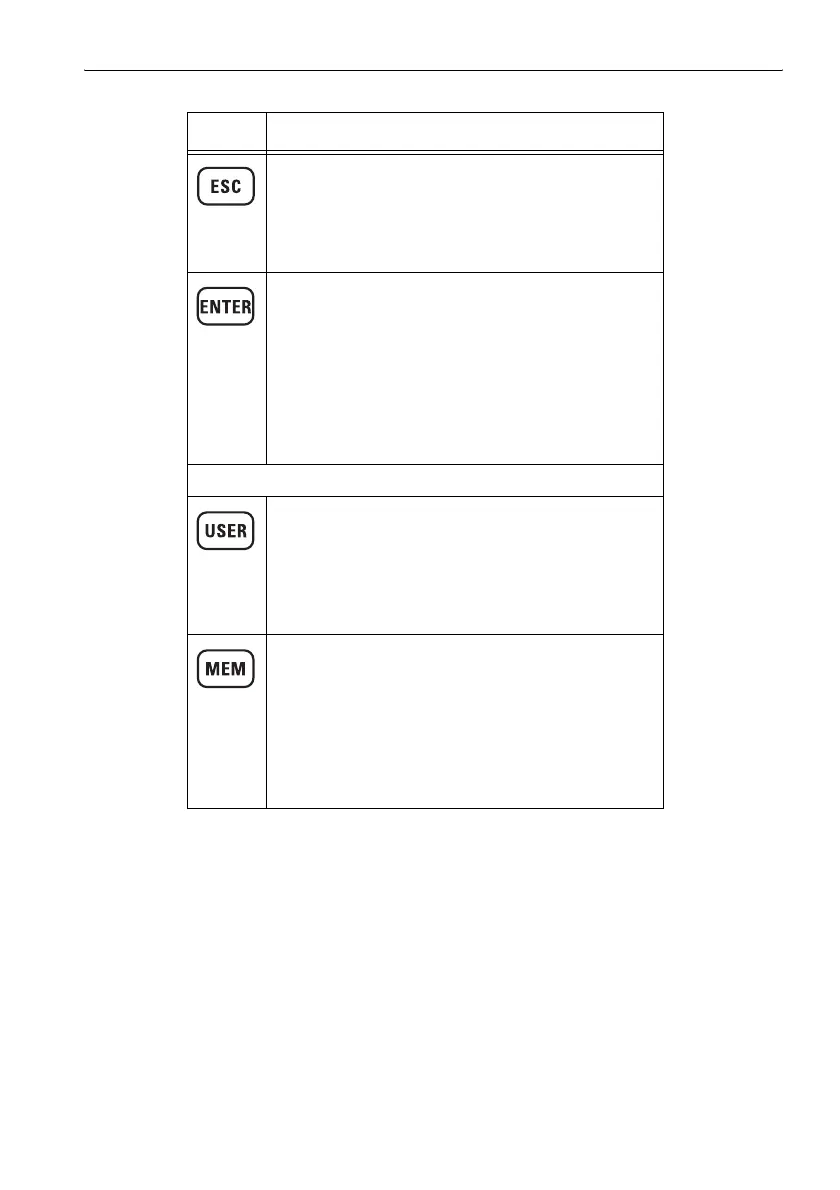
ESC key
Jumps from a sub-menu back to the next higher menu
level.
• Rejects a change in a numerical entry.
• Rejects a change in a selection.
ENTER key
Concludes entries and exits from the menu
• Confirms:
– a selection from a list
– entries
– changes in a numerical value
• Opens sub-menus.
• Opens entry fields for numerical values.
• Toggles between two possibilities for a function.
Menu keys
USER key
Opens the USER menu.
• Saves up to four user-defined settings.
• Opens:
–user defined settings (User Setup)
– factory settings (Factory Default Setup)
MEM key
Opens the MEM menu.
• Selects:
– timer controlled measurement sequences
– spatially assigned measurement values
• Displays saved data sets.
• Deletes individual data sets or the entire data
memory.
Element Function
Table 4-1 Keyboard overview



 To Next Page