4 Control and display elements EFA-200/-300
4-4
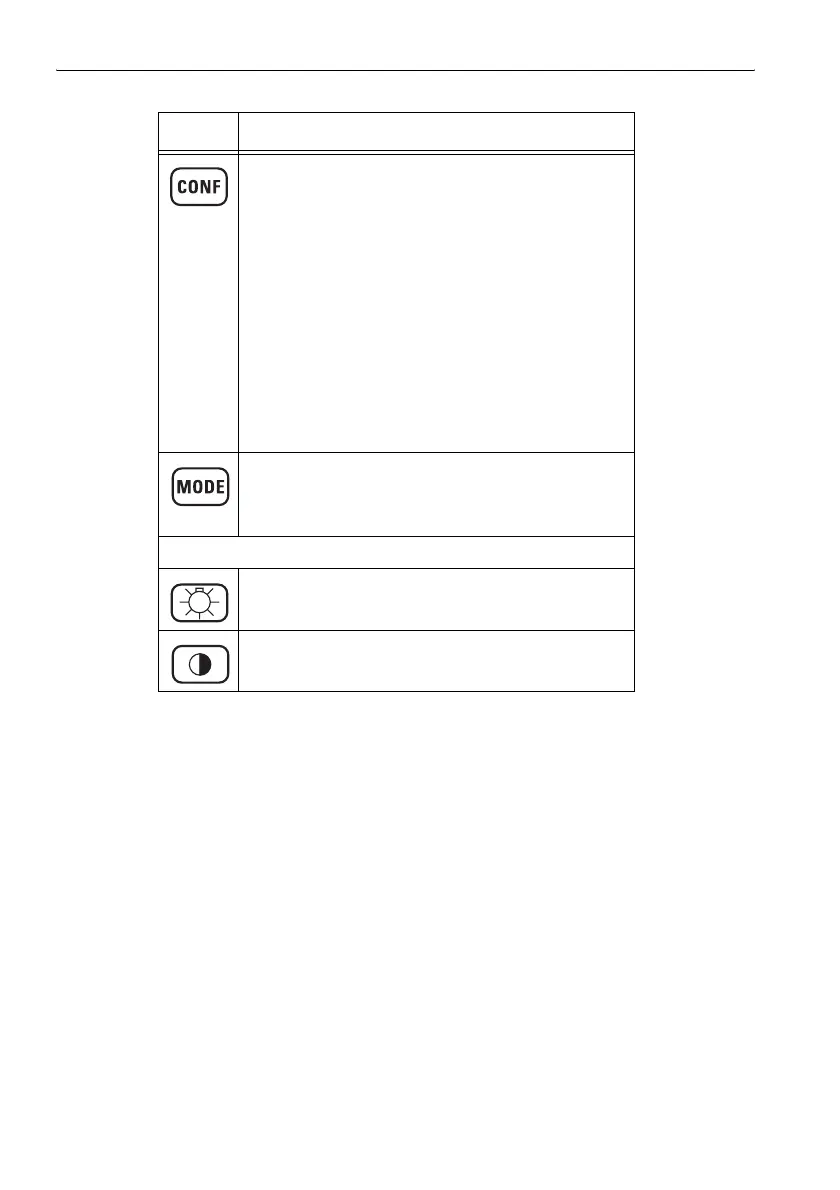
CONF key
Opens the CONFG menu.
• Enables:
– selection of the alarm function
– selection of the measurement unit
– selection of current value documentation
– setting of date and time
– editing of the frequency list
– selection of standards
– selection of measurement axes
– readout of service information
• Reset: Resets the instrument to the default settings
and clears the measurement data and instrument
memories if you hold down the key until a double
beep is heard when switching on.
MODE key
Opens the MODE menu.
• Selects operating modes.
Display optimization keys
LIGHT key
Switches the display backlight on or off.
CONTRAST key
Switches the contrast function on.
Element Function
Table 4-1 Keyboard overview



 To Next Page