EFA-200/-300 7 Measurement data memory
7-13
2. Press the ESC key.
The data pool is closed and saved under a common data set number.
The MEM menu is displayed.
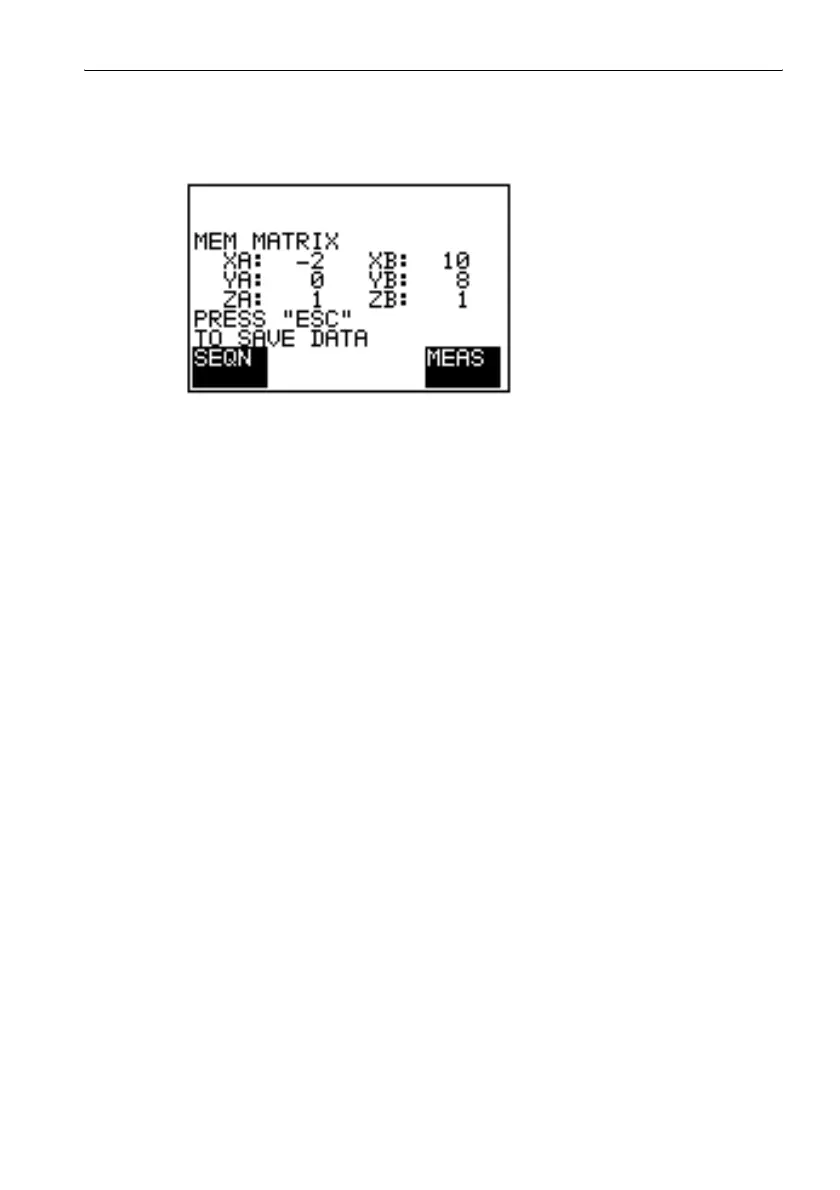
Figure 7-5 A data set can be saved from the MEM MATRIX menu.
Note: The data set is saved automatically if one of the following occurs:
– The “LOW BATTERY” warning is displayed.
– The EFA is switched of using the ON/OFF key.
Tip: The last target coordinates displayed are retained when the “MEM
MATRIX” function is activated again. This means, for example, that a
measurement sequence can be resumed from the same position if it
was previously saved.
Possible faults
Error message “NOT ENOUGH MEMORY” is displayed.
The available data memory is insufficient for the measurement.
1. Press ESC to return to the MEM MATRIX menu.
2. Delete measured values from the data pool.
Deleting a measured value from the data pool: see page 7-12



 To Next Page