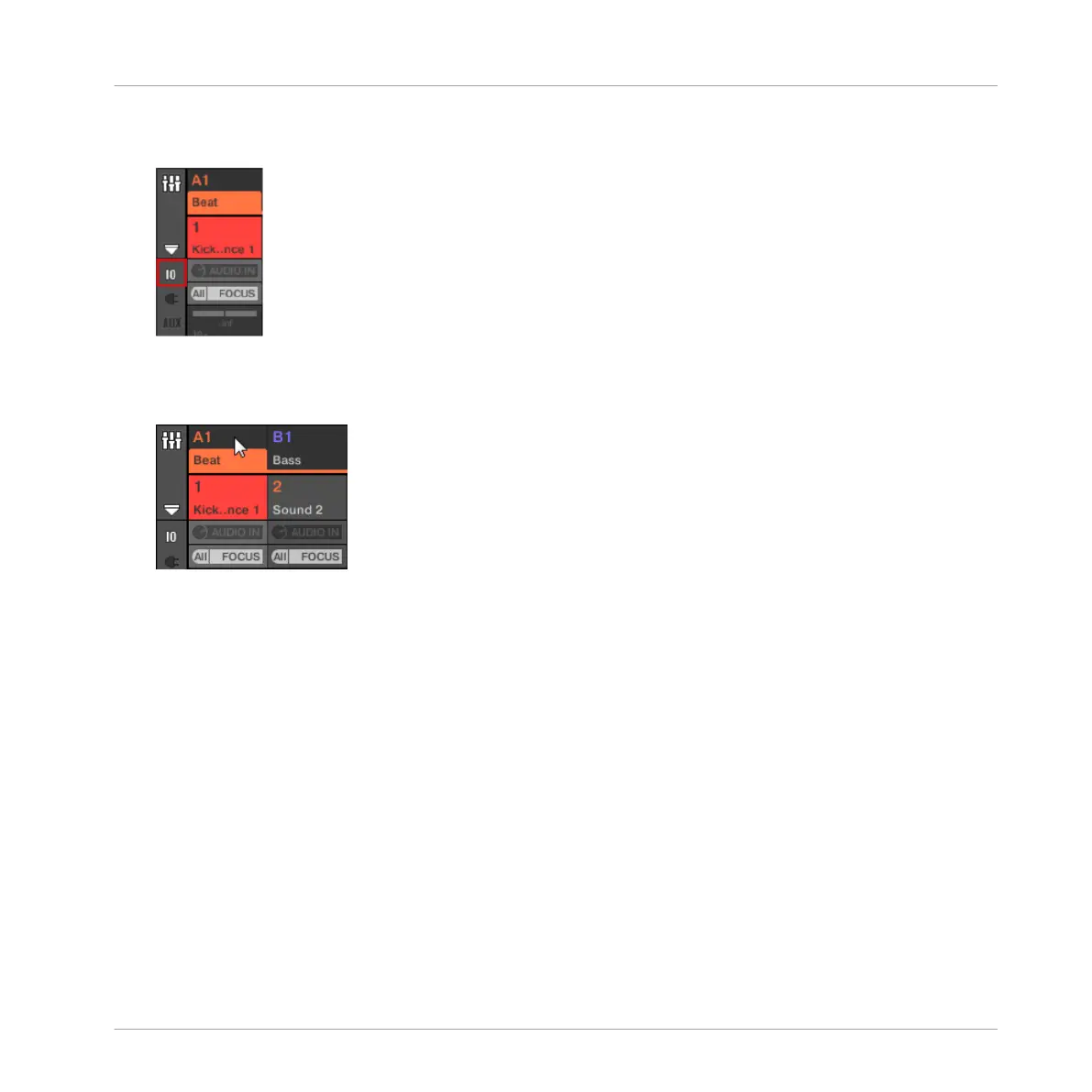
3. Check that the IO button is active on the left of the Mixer — if not, click it to enable it
and display the input/output settings of each channel strip.
4. If the Mixer currently displays the Group channels, in the top row of the Mixer double-
click the header of the Group containing the Sound you want to configure. If the Mixer
currently displays the Sound channels, single-click the header of the desired Group.
The Mixer displays the channel strips of all Sounds in the selected Group.
Audio Routing, Remote Control, and Macro Controls
Using MIDI Control and Host Automation
MASCHINE - Manual - 447



 To Next Page