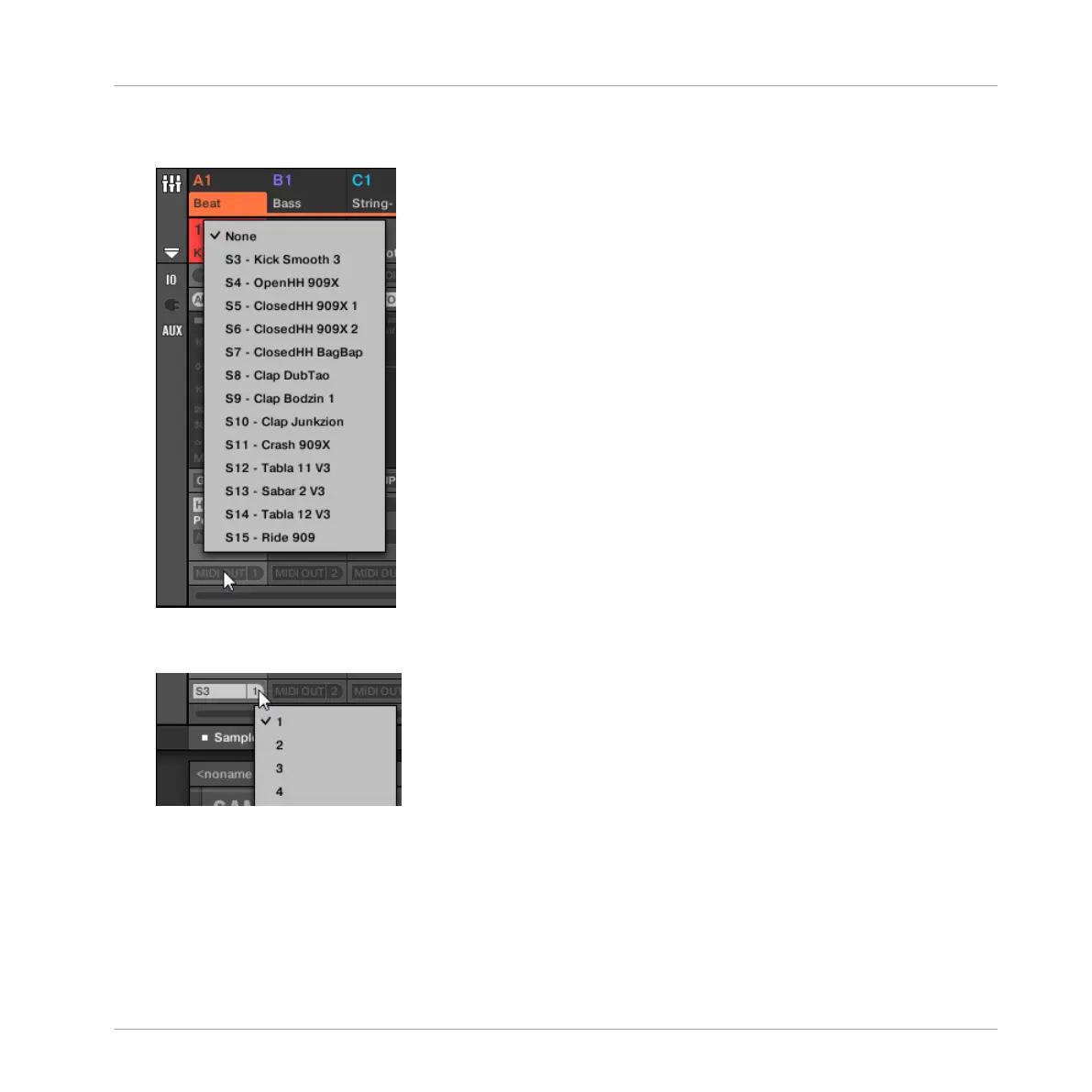
5. At the bottom of the channel strip of the Sound you want to configure, click the bigger
field left and select the desired MIDI port in the menu.
This is equivalent to setting the Dest. parameter described above.
6. Click the little field on its right to select a MIDI channel.
This is equivalent to the Channel parameter described above.
Audio Routing, Remote Control, and Macro Controls
Using MIDI Control and Host Automation
MASCHINE - Manual - 448



 To Next Page