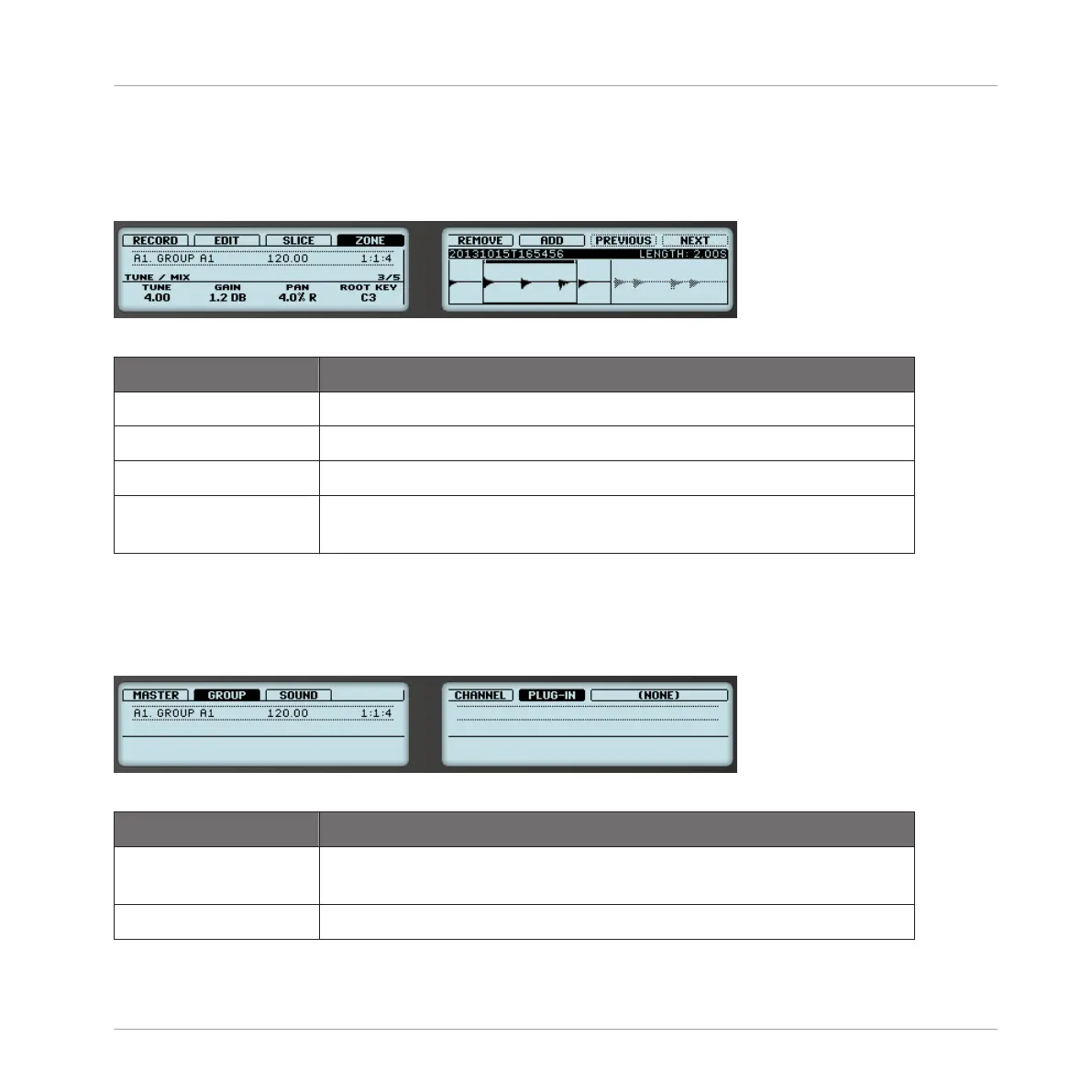
Page 3 – TUNE / MIX Parameters
The TUNE / MIX page contains parameters controlling pitch- and level-related aspects of the
Sample playback.
The ZONE page on the controller, page 3 of 5: TUNE / MIX parameters.
Parameter Description
TUNE (Knob 1) Sets the tuning of the focused Zone.
GAIN (Knob 2) Sets the gain of the focused Zone.
PAN (Knob 3) Sets the panorama position of the focused Zone.
ROOT KEY (Knob 4) Adjusts the root key of the focused Zone, that is the key at which the
Sample will be played back at its original pitch.
Page 4 – ENVELOPE Parameters
This amplitude envelope can be used to get rid of clicks after slicing; you can either apply it to
the Zone of the whole Sample or to individual Zones for selected Slices.
The ZONE page on the controller, page 4 of 5: ENVELOPE parameters.
Parameter Description
ATTACK (Knob 1) Adjusts how quickly the Sample/Slice reaches full volume after being
triggered.
DECAY (Knob 2) Adjusts how fast the Sample/Slice dies down.
Sampling and Sample Mapping
Mapping Samples to Zones
MASCHINE - Manual - 820



 To Next Page