134
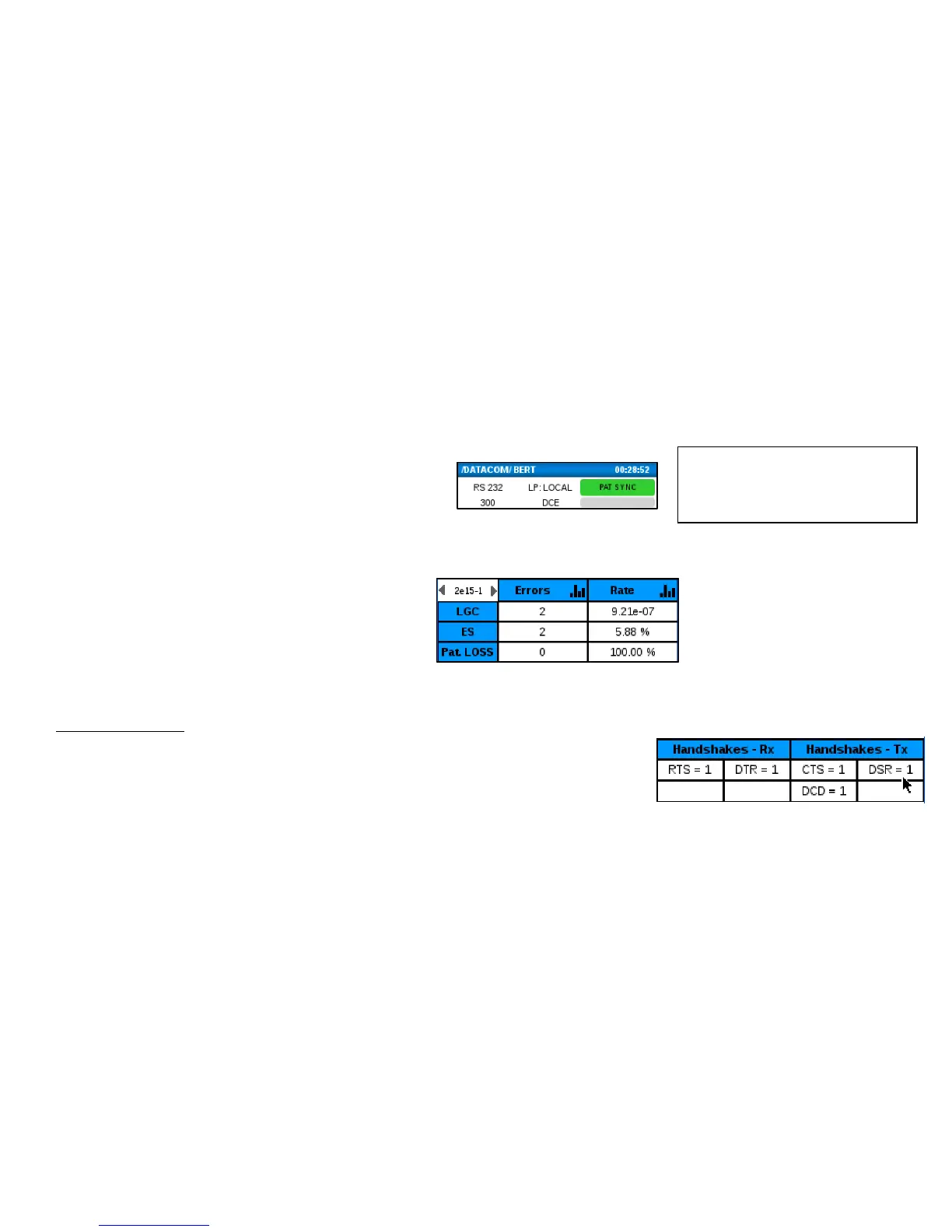
Check the BERT main screen and observe the following:
Handshake Signals
If the tested circuits require handshake signals, you will need to click on the
appropriate box to toggle the value. For example with EX Mode = DTE, you will
need to set Handshake – Tx leads RTS and DTR to “1” and with EX Mode =DCE, you
will need to set Handshake – Tx leads CTS, DSR and DCD to “1”.
• The real-time PAT SYNC is green. Red indicates
a problem. If these indicators are red, you
should check all circuit connections, Datacom
setup and Handshake signals (see below).
• The history indicators are gray. Red indicates a
problem. If a PAT SYNC event occurs, the
corresponding gray history area will remain
red until it is reset.
• Error counters and Pat Loss (pattern loss)
report 0 or at least are not quickly
incrementing. If these are quickly
incrementing, check all circuit connections,
Datacom setup and Handshake signals (see
below) .



 To Next Page