Overview and tables 101
Centronics port configuration
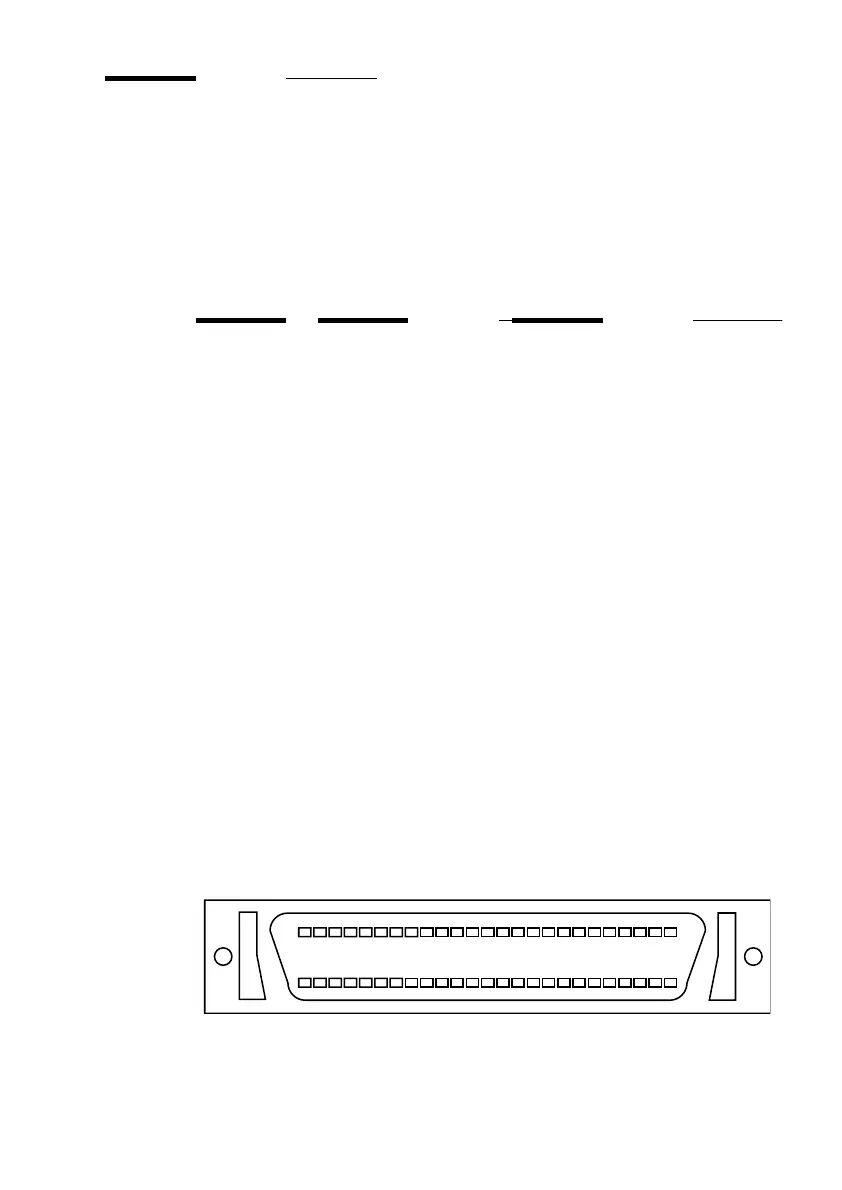
The Centronics parallel port is located at the rear of the printer. It is an
Amphenol 36-pin female mini- connector.
The following table describes the Centronics port pin assignments. For further
details, refer to the IEEE P1284 standard.
STROBE is the dialog signal.
[31] Centronics connector
Printer Pin No. Signal direction Name of the signal
1
Printer to host BSYBusy
2
Printer to host SELECTSelect
3
Printer to host ACKNAcknowledge
4
Printer to host FAULTNFault
5
Printer to host PAPEROUTPaper error
6
Host to printer Data 1 Data 1 (LSB)
7
Host to printer Data 2Data 2
8
Host to printer Data 3Data3
9
Host to printer Data 4Data 4
10
Host to printer Data 5Data 5
11
Host to printer Data 6Data 6
12
Host to printer Data 7Data 7
13
Host to printer Data 8Data 8 (MSB)
14
Host to printer INITNInitialize
15
Host to printer STROBENStrobe
16
Host to printer SELECTINNSelect in
17
Host to printer AUTOFDN
18
Host to printer Host Logic High
19-35
-------------------- GNDGround
36
Printer to host Peripheral Logic High



 To Next Page