(Re)load media and toner 27
▼
▼▼
▼
Defining automatic roll switching
1
Press ‘Program’ to enter the main menu.
1
Select the ‘
MEDIA
SETTINGS
’
item using the or button.
2
Press ‘next/select’ to enter the ‘
MEDIA
SETTINGS
’ menu.
3
Select ‘
MEDIA
MODE
’
using the or button.
4
Press ‘next/select’ to enter the ‘
MEDIA
MODE
’ menu.
5
Select ‘
AUTO
SWITCH
’
using the or button.
6
Press ‘next/select’ to enter the ‘
AUTO
SWITCH
’ menu.
7
Select the required setting ‘On’ or ‘OFF’ using the or button.
8
Press ‘next/select’ to confirm the selected setting.
9
Press ‘Program’ to exit the main menu
Reloading rolls
▼
▼▼
▼
Reloading roll 1
1
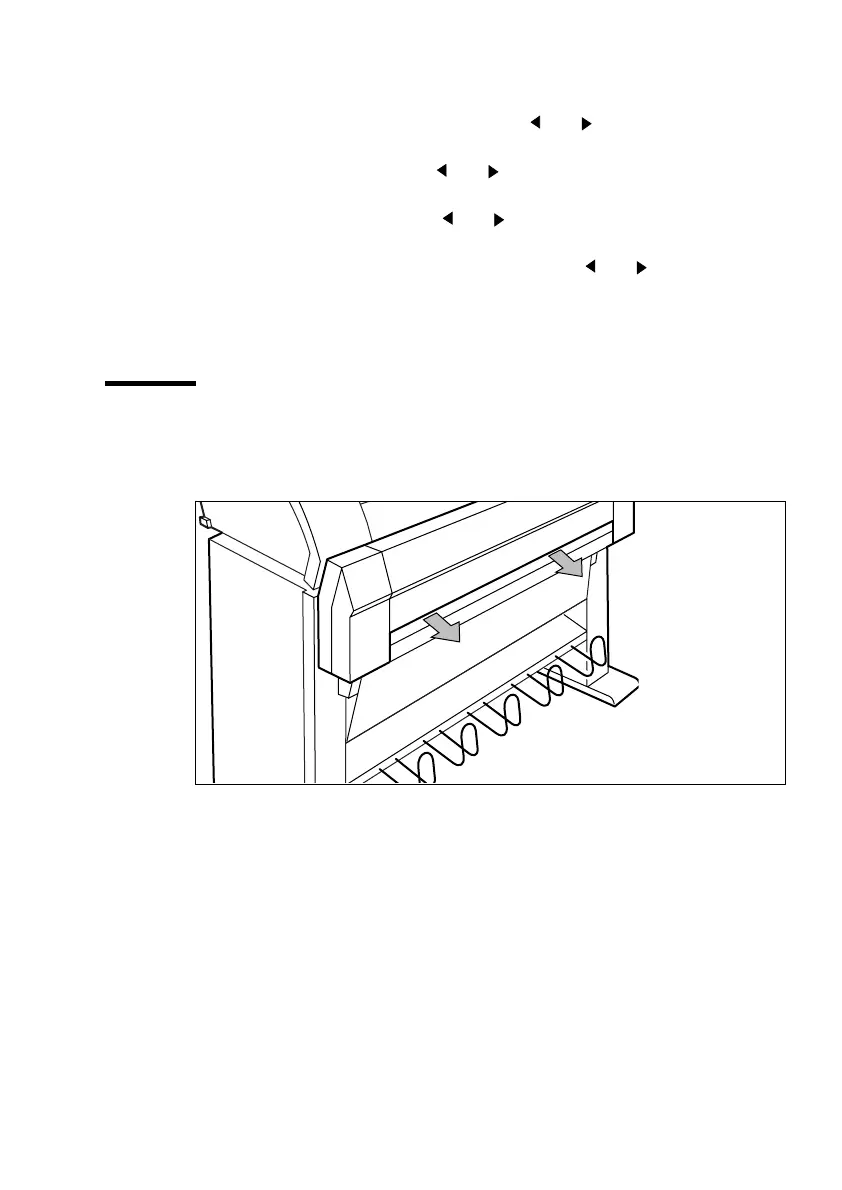
Open the drawer completely (see figure 5).
[5] Opening the drawer.



 To Next Page